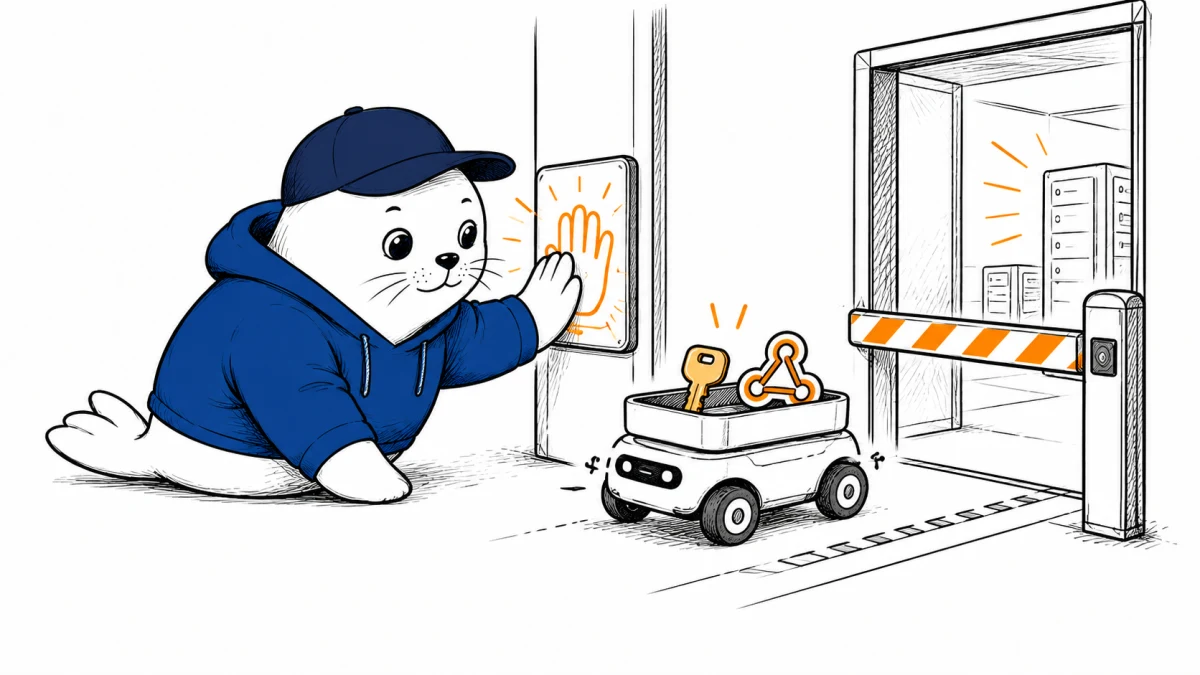
A stolen browser session or an overreaching automation can make a sensitive GitHub change look like ordinary authorized activity. GitHub’s new proof-of-presence preview adds a fresh human authentication step for selected enterprise actions. Its scope is narrower than the headline might suggest.
The preview’s exact scope
In its September 24 changelog, GitHub says proof of presence is in public preview only for Enterprise Managed User organizations on github.com and GitHub Enterprise Cloud with data residency that use Microsoft Entra ID for SAML or OIDC single sign-on. It is not a platform-wide requirement for every GitHub organization or every Copilot action.
Administrators can require users to return to their identity provider before selected high-impact actions. Depending on policy, the check can be fresh re-authentication or a multi-factor challenge. GitHub allows the action only when the user returns with proof that they met the identity-provider requirement.
Which actions are protected now?
GitHub lists token creation, webhook edits, changes to organization security settings, and viewing recovery codes as examples. It says protection for pull-request merges is coming soon, so teams should not count merge approval as covered by this preview today. GitHub also says a successful challenge opens a two-hour browser-session window for further high-impact actions without repeating proof of presence. That improves usability but creates a time window security teams should account for.
Why this matters as coding agents gain access
An agent with repository access can propose code, call tools, and sometimes request administrative changes. Proof of presence sets a boundary at some privileged browser actions: a valid session or token alone is not enough; an authorized person must satisfy the identity policy. GitHub explicitly mentions compromised credentials and agents going a step further without a user’s knowledge as risks the feature is meant to reduce.
This is not a substitute for least-privilege tokens, protected branches, code review, or audit logs. It also doesn’t mean every API operation will be interrupted for human confirmation. Our Copilot enterprise sandbox guide covers the separate file, shell, and network permissions agents may need. The security gain here depends on which actions GitHub covers, the configured Entra policy, and how the enterprise manages its active two-hour window.
A rollout checklist for eligible enterprises
First verify that the organization meets GitHub’s Enterprise Managed User and Entra requirements. Then inventory who can create tokens, edit webhooks, and change security settings. Choose whether re-authentication or MFA fits each risk, and test the browser return flow with a small administrator group. Finally, check that service-account automation still works within its intended permissions and that a human can recover from an identity-provider outage.
The decision
For eligible enterprises, proof of presence is a timely control at the boundary between automation and privileged human intent. The persistent-agent permissions guide explains why a valid login is not the same as authority for every downstream action. Turn the new GitHub control on only after testing affected workflows, and describe it accurately: a scoped public preview for specified actions, not a blanket safeguard for all agent behavior.