Perplexity’s new slider does not choose a single fixed model. It chooses how aggressively Computer should coordinate, reason and spend.
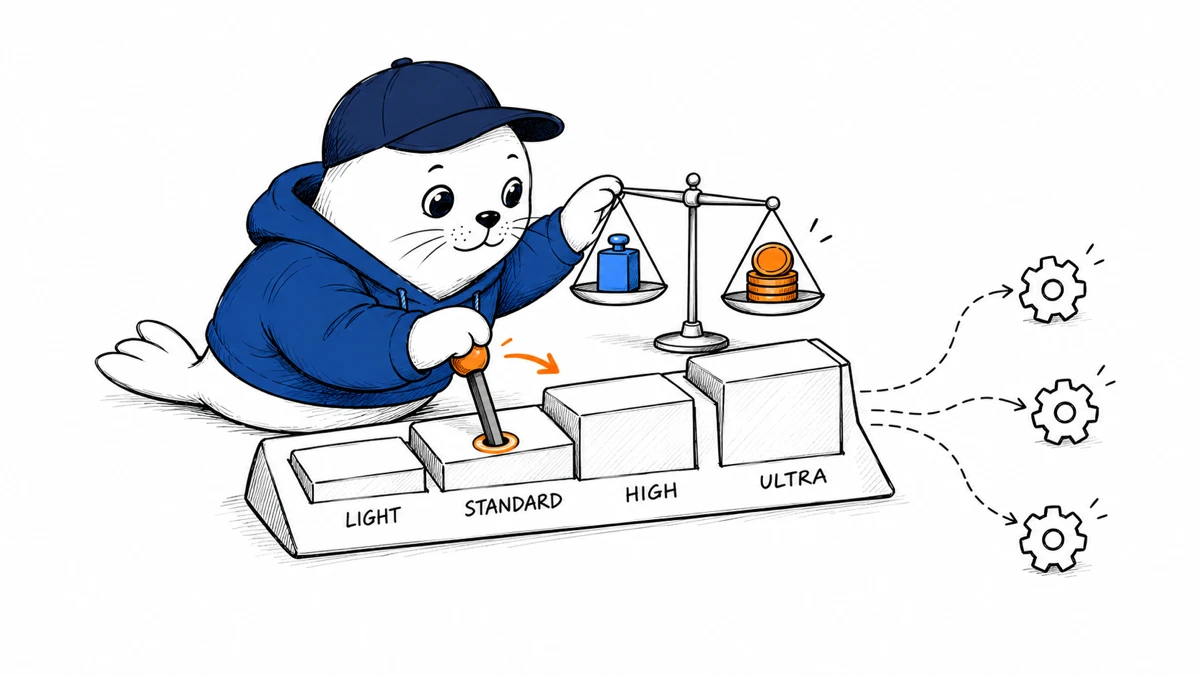
Perplexity effort controls are now available in Computer on the web. The four settings are Light, Standard, High and Ultra. Perplexity selects the coordinating model and its reasoning depth for each setting, then that coordinator can delegate parts of the task to supporting agents that use models from other providers.
Choose the task before choosing the effort level
| Setting | Perplexity’s intended use | Good starting task | Review burden |
|---|---|---|---|
| Light | Simple everyday work | Collect invoices into a sheet | Spot-check fields and totals |
| Standard | Balanced reasoning and cost | Combine account notes into a sales brief | Check sources and omissions |
| High | Complex analysis | Compare customer requests with engineering estimates | Review assumptions and ranking |
| Ultra | Maximum effort on open problems | Evaluate a market under several growth assumptions | Audit the full evidence chain |
These are workload descriptions, not quality guarantees. A clean invoice extraction may still fail because of a bad scan, while a market memo can look polished and remain wrong because its assumptions were weak. The slider changes the resources assigned to the task. It does not remove the need to define a useful result.
Ultra is not a promise to use GPT-6 Astra every time
Perplexity’s announcement includes an image of Ultra selected with GPT-6 Astra set to maximum effort and thoroughness. That is evidence of one displayed configuration, not a contract that every Ultra request will use Astra. The published description says Perplexity chooses the coordinating model, and supporting agents can use models from different providers.
This matters for reproducibility. Two runs at the same effort level may traverse different supporting steps as Perplexity changes routing, available models or internal policies. Teams that need a fixed model can still use the custom controls. Our Perplexity and GPT-6 Astra production guide explains why model names, orchestration and system behavior should be recorded separately.
Lower effort can be cheaper without being a hard cap
Perplexity says lower settings use less expensive models. It also says credit use depends on the work Computer performs. Put those statements together and the correct interpretation is directional: Light is designed to spend less than Ultra on comparable work, but the slider is not a quoted maximum price.
- A task may expand after Computer discovers more files, sources or subtasks.
- Supporting agents can add work beyond the coordinator’s own reasoning.
- Retries, browser actions and generated deliverables can change the final consumption.
- A short Ultra task may cost less than a sprawling Standard task.
Run a four-setting bake-off on the same prompt
The best way to understand the slider is to run one representative task at all four levels. Keep the files, instructions and acceptance criteria fixed. Record credits, wall-clock time, citations, tool actions and the quality of the final artifact. Do not judge only by writing style. A longer answer can still contain weaker evidence.
| Measure | How to score it | Why it matters |
|---|---|---|
| Completeness | Required fields or claims present | Finds skipped work |
| Evidence | Source coverage and citation match | Separates research from fluent guessing |
| Action trace | Files, browser steps and tool calls | Shows what Computer actually did |
| Cost | Credits for the completed task | Measures the real budget impact |
| Decision quality | Blind reviewer score | Tests whether extra effort changed the outcome |
A routing policy for teams
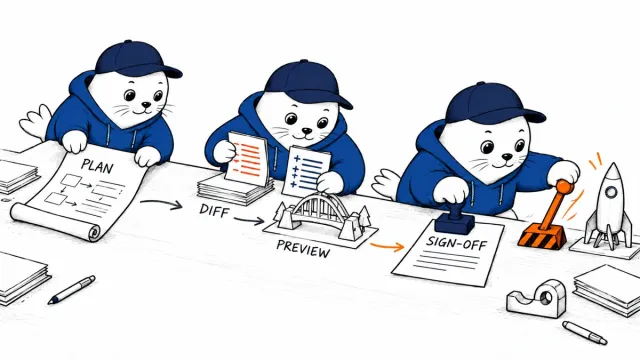
Set Standard as the default for reversible work. Use Light for extraction and formatting when the source data is easy to verify. Move to High when the task ranks competing evidence or proposes an action. Reserve Ultra for decisions where another hour of machine work is cheaper than a missed risk, and require a named human reviewer before anyone acts on the result.
Keep the promotion rule concrete. For example, retry at High only when Standard misses a required source, contradicts a supplied document or fails an acceptance check. Escalate to Ultra when the task remains unresolved after that retry and the possible error costs more than the added credits. This prevents teams from treating the largest setting as a prestige option. It also creates a usable audit trail: the task moved up because a measured condition failed, not because someone assumed that more reasoning must always produce a better answer.
The slider is one more example of cost-aware agent routing. Our AI agent cost-controls guide covers hard caps, fallbacks and completed-task metrics that remain necessary when a product exposes only a relative effort setting.
Availability and current limits
Perplexity says the effort slider is available on the web, with Android and iOS support coming soon. Custom model and reasoning controls remain available for users who want to make those choices directly. Mobile timing and the exact model mix can change, so administrators should verify the current product surface before writing internal instructions.
Primary source
Checked September 21, 2026. Model routing is service-controlled unless a user selects custom controls.