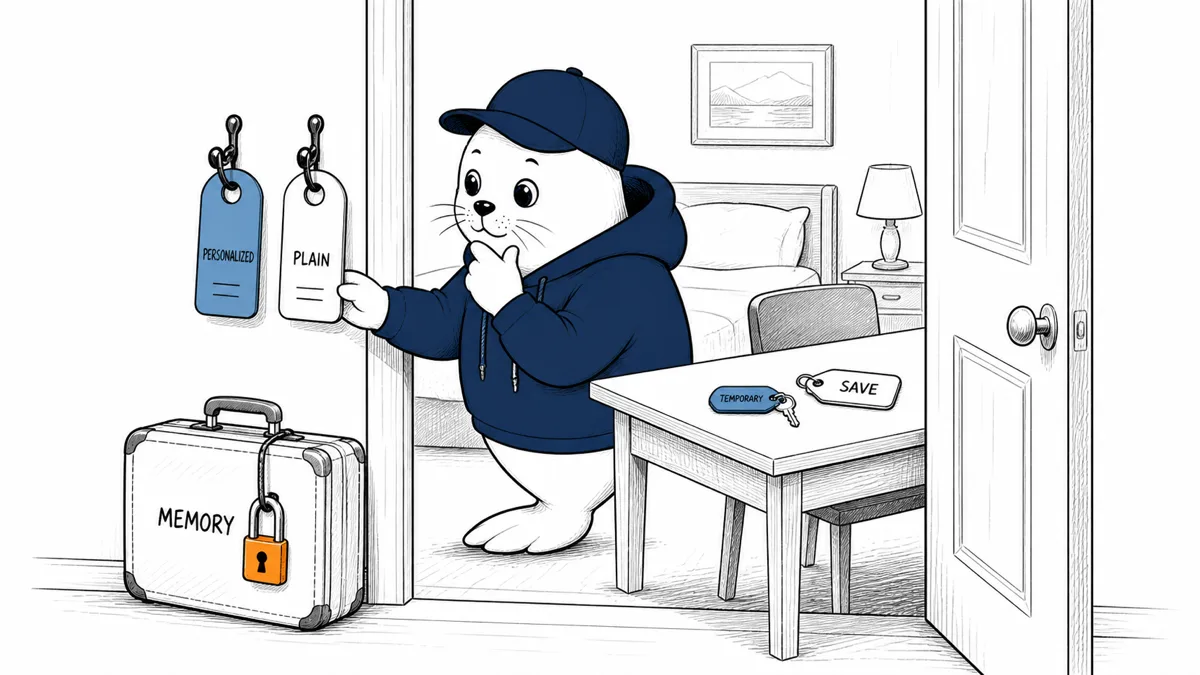
Temporary Chat no longer always means "without personalization." ChatGPT can now use existing memories and custom instructions in a temporary conversation, if the user chooses that mode at the start.
OpenAI’s August 27 release note adds two Temporary Chat paths. A personalized temporary chat may use existing memories, custom instructions and plugins. A non-personalized temporary chat uses none of them. Neither path creates new memories, and the conversation is not placed in history unless the user saves it.
Temporary now describes storage, not necessarily context
| Mode | Can use existing personalization? | Creates new memories? | Appears in history? |
|---|---|---|---|
| Personalized temporary | Yes: memories, custom instructions and plugins may apply | No | No, unless saved |
| Non-personalized temporary | No | No | No, unless saved |
| Saved temporary chat | Becomes a regular chat | Follows regular-chat behavior | Yes |
This distinction matters. A user may choose Temporary Chat to avoid leaving a conversation in history, while still allowing prior preferences or facts to influence the answer. Someone seeking a clean-room response must choose the non-personalized path.
The choice is made only when the chat starts
OpenAI says personalization is selected at the beginning. That prevents a user from treating the option as a casual mid-conversation toggle. If the wrong mode is chosen, start a new temporary chat rather than assuming earlier responses have been isolated.
- Use personalized temporary chat for short-lived work that benefits from established preferences.
- Use non-personalized temporary chat when testing default behavior or avoiding memory influence.
- Start over if the chosen mode does not match the task.
- Do not paste sensitive data merely because the chat is temporary.
Saving changes the conversation’s status
A temporary chat can be saved. OpenAI says saving converts it into a regular chat and applies the account’s existing personalization and model-improvement preferences. That is a meaningful state change, not only a bookmark.
Before saving, ask whether the conversation contains material that was acceptable only because it would stay out of history. Organizations should explain this transition in training and test whether the interface makes the change visible enough.
Temporary does not mean invisible to every system
OpenAI’s note defines memory creation and chat-history behavior. It should not be stretched into a claim about every security log, abuse-monitoring process, connector, plugin or legal obligation. Review the relevant product and privacy documentation for the plan and data involved.
If plugins or connected tools are available in a personalized temporary chat, their own data flows may outlive the conversation. Our multiple Google accounts guide explains why connector provenance and external actions need separate checks.
Four tests clarify the new behavior
- Ask the same preference-sensitive question in regular, personalized temporary and non-personalized temporary chats.
- Verify that neither temporary conversation appears in history before saving.
- Save a low-risk test conversation and inspect its new status.
- Repeat with connectors disabled and enabled to identify external data paths.
For teams building their own session controls, the broader lesson from our agent-memory analysis is useful: memory should be a deliberate product decision, not an invisible default.
Choose the mode from the task, not the mood
Personalized temporary chat fits a disposable planning session where stable preferences (writing style, units, accessibility needs or recurring context) save time. Non-personalized mode fits baseline testing, sensitive brainstorming where prior assumptions are unwanted, and troubleshooting that needs to reproduce the default experience.
Neither label tells you whether the information is safe to share. Apply the same data classification used for a regular chat. Temporary history behavior cannot revoke an external link, undo a plugin action or remove a secret from a third-party service that received it.
Organizations should test user understanding
Give pilot users four short scenarios and ask which mode they would choose. Include a clean model comparison, a personal preference task, a connected-tool request and a conversation they may later need to save. If people consistently interpret Temporary as "no existing memory," the interface needs an internal explanation before broad rollout.
Administrators should also determine whether plan-level controls, legal retention or compliance exports alter the consumer-facing behavior. Document the tested plan and platform because web, desktop and mobile interfaces can expose choices differently.
Saving needs a confirmation checklist
- Re-read the conversation for sensitive content.
- Confirm that regular history is appropriate.
- Check the account’s model-improvement preference.
- Review any connected-tool outputs or external actions.
- Rename the saved chat so its new status is obvious.
The product turns a temporary conversation into a regular one. Treat that conversion like moving a file from a scratch folder into a system of record.
Teams should repeat these tests after major product changes. Capture the date, plan, platform and selected mode with the result. That small evidence record prevents a future policy review from relying on an old interface assumption or a memory of what Temporary Chat used to mean.
Use a low-risk example and keep screenshots of the mode labels, history result and saved-chat conversion. The evidence should be understandable to someone who did not run the test.
My verdict: name both properties
"Temporary" now answers whether the chat becomes history and creates new memories. "Personalized" answers whether earlier context can shape it. Users need both labels to understand the session.
Choose personalized temporary chat for continuity without a new history entry. Choose non-personalized temporary chat for a cleaner baseline. Treat Save as a conversion to a regular conversation.
Read OpenAI’s release note
- See the August 27 entry in the official ChatGPT release notes.
Checked August 29, 2026. Mode behavior, memory creation, history status and Save conversion come from OpenAI. Product tests and terminology recommendations are Musthave.ai analysis.