Most people meet Midjourney and start making wallpaper. If you actually sell things, that’s a waste. Used right, it’s one of the fastest ways to go from “I need a hero image by Friday” to a product concept a client will pay for, as long as you know what it’s genuinely good at, and where it quietly falls apart.
Why Midjourney earns a Musthave spot
Quick reminder on the standard: The Musthave Selection isn’t a paid shelf. A tool only lands here if I’d hand it to a busy, skeptical friend who’s already drowning in free trials. Midjourney clears that bar for one specific crowd, people who sell with visuals.
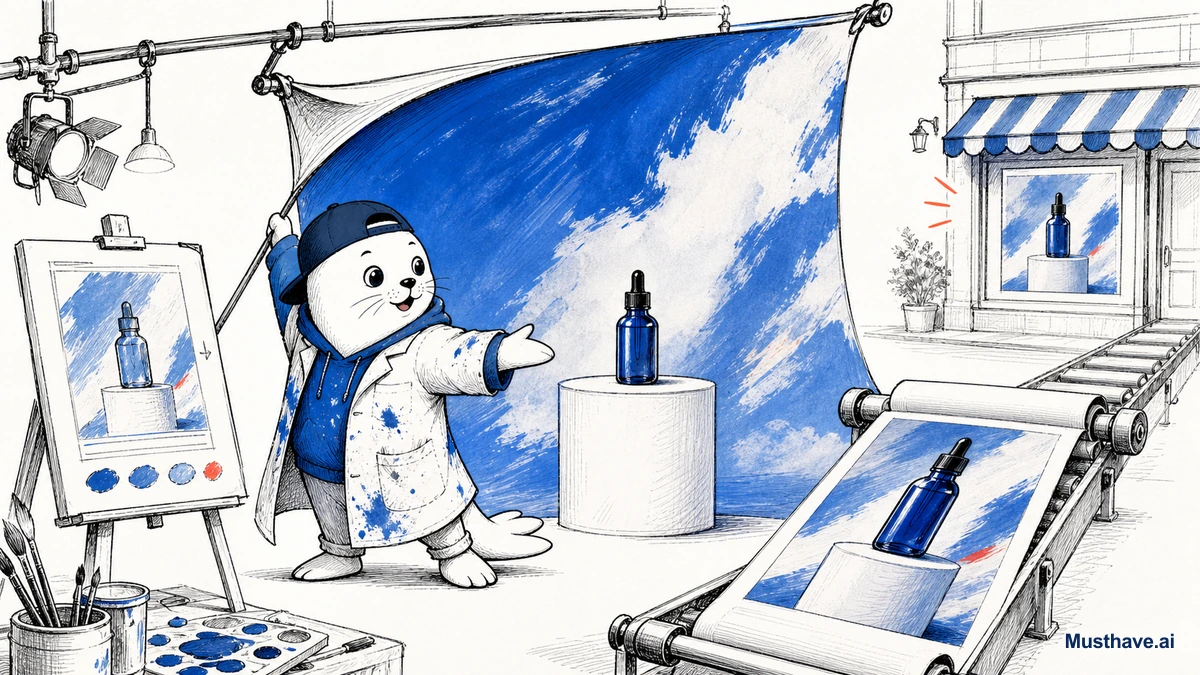
What it’s built for is art direction, not spreadsheets of icons. Cinematic lighting, fashion-style compositions, product concepts, fantasy scenes, editorial imagery, that’s the lane where it consistently beats the alternatives. If your money comes from thumbnails that get clicked, ads that stop the scroll, or POD designs that actually sell, this is a tool worth its subscription.
What V8.1 actually changed
The current model, V8.1 (shipped in spring 2026), matters for sellers for boring, practical reasons. It’s roughly four to five times faster than older versions, which sounds like a vanity stat until you’re iterating on ten ad variations before a deadline. It also outputs in HD 2K, reads prompts more literally, holds small details better, and includes a Raw mode when you want less of Midjourney’s signature “house style” stamped on everything.
The bigger unlock is video. You can now take a still image and turn it into a 5-second clip, then extend it up to 21 seconds. For anyone making short ad creative or social hooks, that’s a real workflow (mock the frame, animate it, ship it) without ever opening a camera.
The pricing reality (and the gotcha)
Let’s talk money, because this is where people get surprised. As of 2026 there are four tiers: Basic at $10/month, Standard at $30, Pro at $60, and Mega at $120, and paying annually knocks 20% off any of them. The difference between tiers is mostly fast GPU hours (3.3, 15, 30, and 60 respectively), with Relax mode giving you unlimited-but-queued generations from Standard up.
Here’s the part that bites businesses: yes, every paid plan grants commercial rights to your images and video. But if your company makes over $1M a year in gross revenue, you’re required to be on Pro or Mega. Read that line before you build a brand’s whole visual pipeline on a Basic plan, it’s the kind of detail that turns into an awkward conversation later.
Where it falls apart, and what to grab instead
Now the honest limitation, because I won’t pretend it does everything. Midjourney is still weak at rendering clean text inside an image. Ask it for a logo with your brand name or a poster with a readable headline, and you’ll often get beautiful gibberish.
So don’t fight it. When the job needs actual words baked into the visual (packaging, quote graphics, merch with slogans) switch to Ideogram, which was built for exactly that. This is the whole Musthave philosophy in action: loyalty to the outcome, not the logo. Use Midjourney for the art direction, hand off to the right tool for the text.
A seller’s workflow you can copy this week
Here’s how I’d actually use it if visuals are how you earn.
- Write the job in one sentence first, “lifestyle hero shot of a matte black water bottle on a kitchen counter, morning light.”
- Generate three or four variations in Raw mode, not one “perfect” prompt.
- Keep the best 20%, upscale to HD 2K, and delete the rest without guilt.
- If it’s an ad, animate the winner into a short clip.
- Need text on it? Take it into Ideogram or a design tool for the final layer.
Who should skip it
If you only need an image once in a blue moon, don’t buy an annual plan for the badge. If you’re in a regulated field, check the data rules before uploading anything sensitive. And if you want words rendered flawlessly, Midjourney isn’t your tool, that’s not a knock, it’s just not the job it’s built for.
But if you sell with visuals and you’re disciplined about it, Midjourney earns its place on the short list. Beautiful art direction, fast, and now with video attached. That’s leverage.
A seller’s starting prompt template
To skip the trial-and-error, here’s the skeleton I start product shots with, fill in the brackets and generate in Raw mode for less of Midjourney’s default gloss: “[product], [material/finish], on [surface/setting], [lighting] light, [mood], shot on [lens look], –ar 4:5”. The 4:5 ratio suits most feeds and listings; switch to 1:1 for grid thumbnails. Generate three or four, upscale the winner to HD 2K, and only then decide if it needs text, because if it does, that layer belongs in Ideogram, not another Midjourney reroll.
What are you generating with Midjourney, product shots, ad creative, POD designs? Tell me your use case in the comments and I’ll share the prompt structure I’d start with.
Verification sources and related guides
Primary reference: Midjourney official documentation. This is an official provider source. Treat performance, adoption, and product claims as company-reported unless the article identifies an independent check.