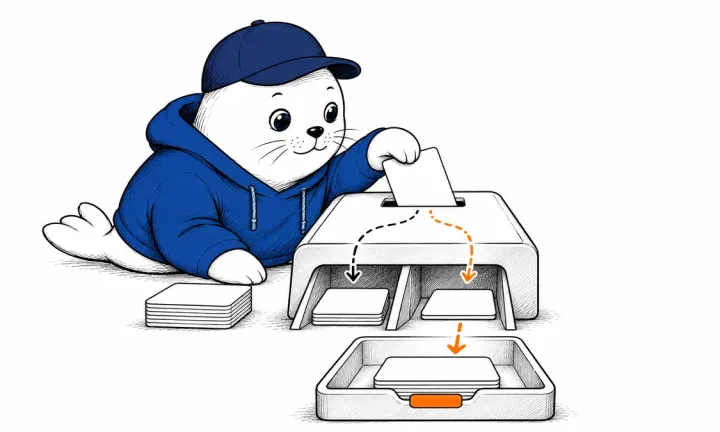

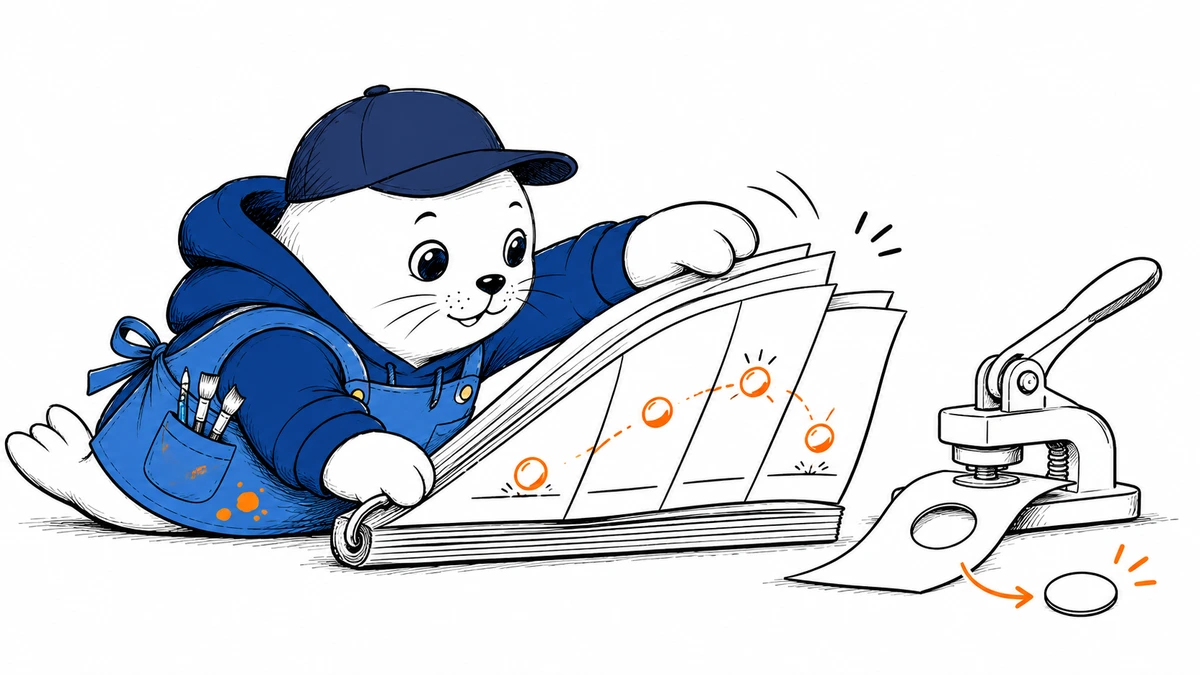
A visual workflow can now request motion or editable outlines alongside the familiar still image.
OpenAI announced Images 2.6 on November 4, introducing GIF creation, SVG output in the API, and markup-guided image edits. The release also adds a complexity setting. It gives developers another choice to manage alongside output format and quality.
GPT Image 2 API removal is scheduled for February 10, 2027
In its November 10 API deprecation notice, OpenAI lists February 10, 2027, as the removal date for gpt-image-2 and gpt-image-2-2026-04-21. It names GPT Image 2.6 Sunburst and GPT Image 2.6 Flare as replacements. This date applies to the listed API model IDs.
Check the model IDs in your code, configuration, and queued jobs. Run a saved generation request and a saved edit against both replacements on the endpoint your application uses. Check output format, dimensions, and whether your application can still open the file. If you need GIF or SVG, follow the image generation guide for the requested format and verify the result in your export pipeline.
Animation, vector output, and guided edits serve different jobs
A GIF can carry a short repeating action. SVG describes vector artwork that can remain editable in compatible software. Markup-guided editing gives the model a more explicit indication of the region or change a user wants. These features support different production tasks; choosing one does not automatically solve the others.
A product team might need a repeating motion asset for an announcement or a vector element for further design work. Guided edits support targeted revisions to existing artwork. These are potential uses of the documented features. We have not tested their output quality or compatibility across design applications.
Quality and complexity are separate choices
The image-generation guide lists gpt-image-2.6-sunburst and gpt-image-2.6-flare. Both expose low, medium, and high complexity, with high as the default. Complexity is separate from the quality setting.
| Choice | Question it answers | What to inspect |
|---|---|---|
| Output format | What kind of asset do you need? | Animation support or compatibility with the next editor |
| Quality | Which rendering setting fits the job? | Visible detail and the documented cost of the request |
| Complexity | How elaborate should the image be? | Latency, unnecessary detail, and changes outside the intended edit |
OpenAI says complexity itself has no additional fee. It can still affect latency and how much the model changes. When comparing results, an application should record the selected model, quality, and complexity together. Otherwise, two generations can differ for reasons hidden by a single “Images 2.6” label.
Compare an edit against the parts that must stay unchanged
For markup-guided editing, request a small change and list the elements that must stay intact. Check the revised area, then inspect the untouched regions. For SVG output, also open the file in the software that will receive it. File creation and successful downstream editing are separate outcomes.
OpenAI reports faster generation for the release, including a 50% improvement in its stated comparison. Those figures come from the company. We have not reproduced the timing results, and they should not be read as a guaranteed latency for every prompt or setting.
Check access before changing a production workflow
OpenAI describes broad availability across ChatGPT, Codex, and the API, while individual features such as GIF creation may roll out across accounts. Check the controls available in your account before promising them to a client. The published safety evaluation documents OpenAI’s testing; it does not guarantee every generated asset is suitable for release.
Our earlier Images 2.5 coverage remains a record of that version. For a move to 2.6, compare the exact asset you need and the editing steps that follow generation. Which addition would you use first: animation, SVG, or guided edits?

Abdessalam Alaoui
I'm Abdessalam Alaoui, founder of Musthave.AI. I write practical guides to AI models, tools, generative media.