

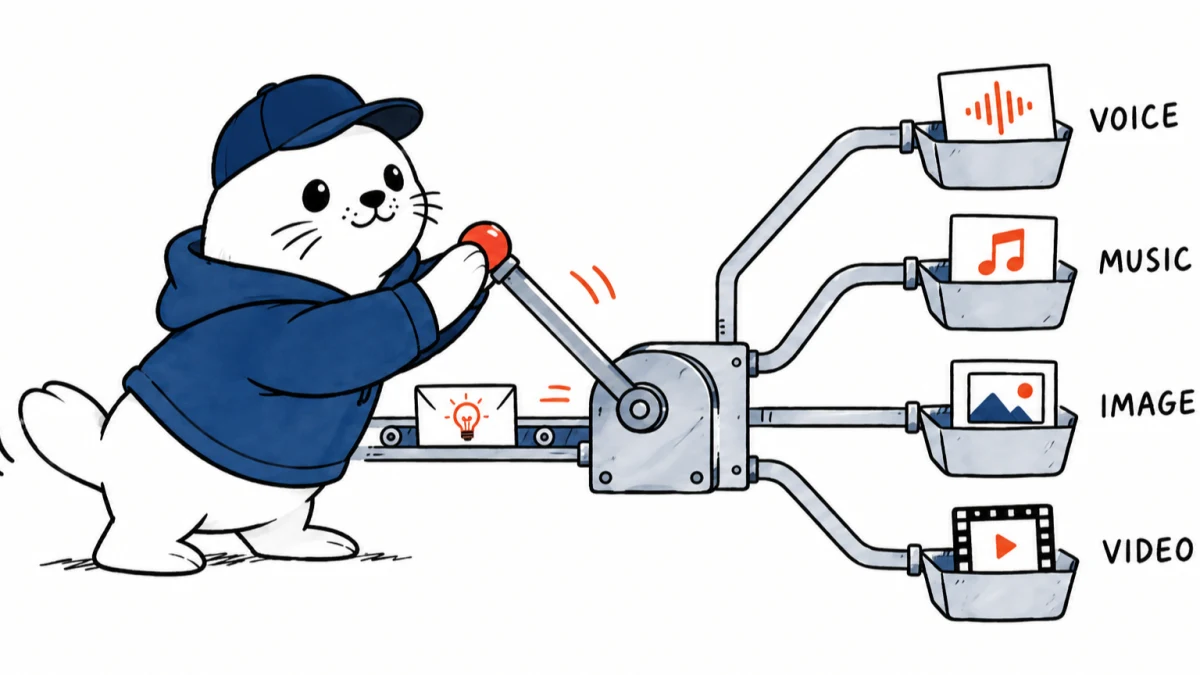
ElevenLabs has expanded its hosted MCP server from voice work into a broader creative connector. One authenticated connection can now trigger speech, transcription, dubbing, music, sound effects, image generation and video generation from supported AI clients.
The September 14 announcement positions the ElevenLabs MCP as an orchestration layer for ElevenCreative. ElevenLabs says it works in Claude, ChatGPT, Cursor, Grokbot, Hermes and other clients that can connect to a hosted MCP server.
The connector now spans seven creative jobs
| Job | Typical request | Output check |
|---|---|---|
| Speech | Turn a script into spoken audio | Pronunciation and speaker rights |
| Transcription | Convert audio into text | Names, timestamps and language |
| Dubbing | Localize spoken content | Meaning, timing and consent |
| Music | Generate a track from a prompt | Length, editability and usage terms |
| Sound effects | Create an isolated effect | Loop points and background noise |
| Images | Generate visual assets | Prompt fidelity and rights |
| Video | Create or animate footage | Continuity, duration and export |
OAuth removes server setup, not governance
ElevenLabs says the hosted server uses OAuth, so users do not need to deploy an MCP server or paste API keys into each client. That improves setup and revocation. Organizations still need to decide which accounts can connect, which projects may receive generated assets, how prompts are retained and whether a client can invoke generation without approval.
One MCP does not mean one underlying model
ElevenLabs says the platform provides access to more than 50 models. The important wording is access. A single MCP surface can route to several first-party and partner capabilities. It does not mean ElevenLabs trained every model behind every image or video option. Buyers should record the selected model, provider, region and usage terms for each production asset.
A useful workflow starts with an asset brief
- Define the audience, format, duration, language and delivery channel.
- Generate a script or shot plan before calling media tools.
- Ask for one modality at a time when quality can be reviewed separately.
- Store the prompt, selected model, output ID and reviewer decision.
- Move approved outputs into the final editor instead of treating MCP chat as the archive.
The output destination matters
Generated results are routed into ElevenCreative, where users can continue editing and managing assets. That makes the MCP call the front door rather than the complete production environment. Teams should test file formats, export resolution, project ownership and whether a colleague can reproduce the same result from saved metadata.
What to verify before connecting a work account
- OAuth scopes and the exact data each client can read or create.
- Credit consumption for failed, retried and multi-model generations.
- Commercial-use terms for every selected model and media type.
- Retention of prompts, uploaded references and generated outputs.
- Human approval before external publication or voice impersonation.
Our ElevenLabs licensed remix analysis explains why rights and source catalogs matter for music workflows. The ChatGPT Images 2.5 guide offers a comparison point for image generation and API evaluation.
The practical verdict
The expanded ElevenLabs MCP can shorten the distance between a creative brief and several draft assets. Its strongest value is unified orchestration. Quality, provenance, model selection, usage rights and final editorial review remain separate responsibilities.
Primary sources
- ElevenLabs: Expanded creative MCP
- ElevenLabs: Original MCP announcement
- ElevenLabs: Image and video platform
Checked September 15, 2026. Supported tasks, clients and model count come from ElevenLabs. Governance and production recommendations are MustHave.ai analysis.


