Midjourney
Midjourney is a web and Discord-based image generator known for distinctive visual style, strong art direction, image editing, personalization, and short image-to-video animation.
Be the first to share your experienceWhat does it do?
Midjourney is the image generator I would open when the brief needs a point of view, not merely a literal picture. It is especially good at mood, lighting, composition, materials, and the happy accidents that give a concept some life. That strength can also become a weakness: a beautiful answer is not always the accurate answer.
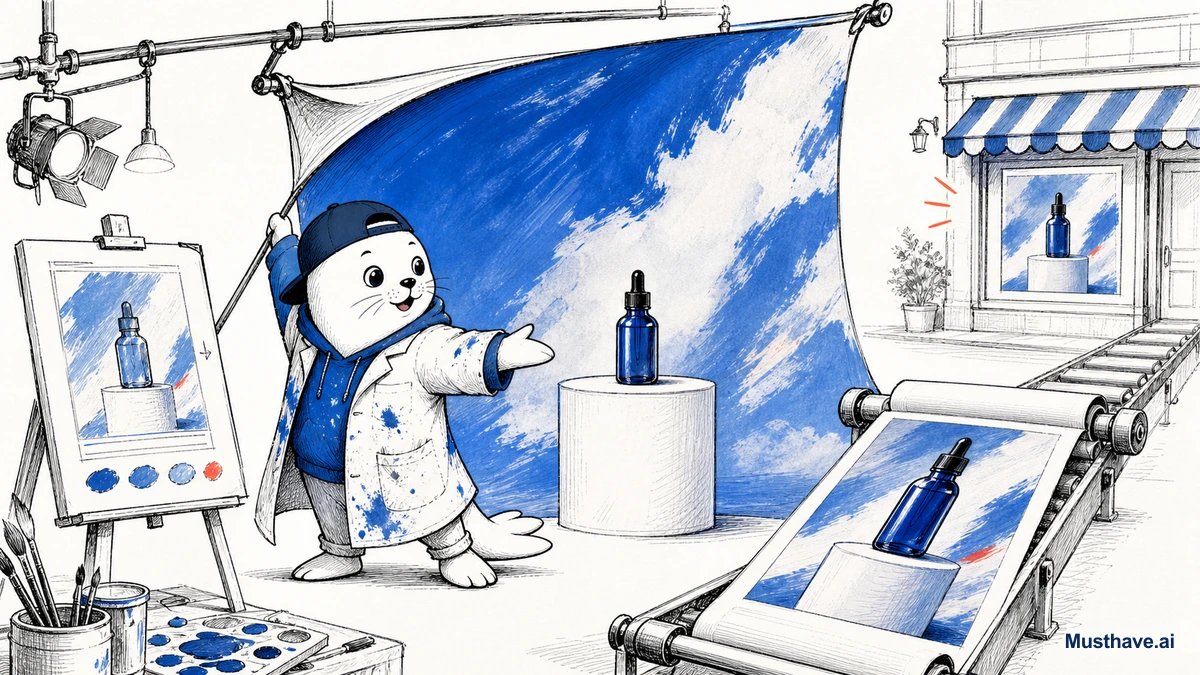
The product has grown beyond its old reputation as a Discord bot. The web app is now the center of a sensible creative workflow, from generating and organizing to regional edits, expansion, retexturing, moodboards, and personalization. You still need patience when a brand mark, garment detail, or product shape must stay exact across several images.
The web app is now the easier place to work
The Midjourney website brings Create, Edit, Organize, Moodboards, and personalization into one interface. This makes it much easier to compare variations and return to an older direction than scrolling through a Discord channel.
Start with a visual brief: subject, setting, composition, light, material, camera or illustration language, and the emotion the frame should carry. Add references only when they have a job. A style reference should steer the visual language; an image prompt can shape content and composition; a moodboard can teach broader taste. Throwing ten unrelated references into one prompt usually makes the direction less clear.
The current model information is available in Midjourney’s version guide. Because defaults change, save the model and parameters with any workflow you need to reproduce later.
Editing is useful, but it is not Photoshop
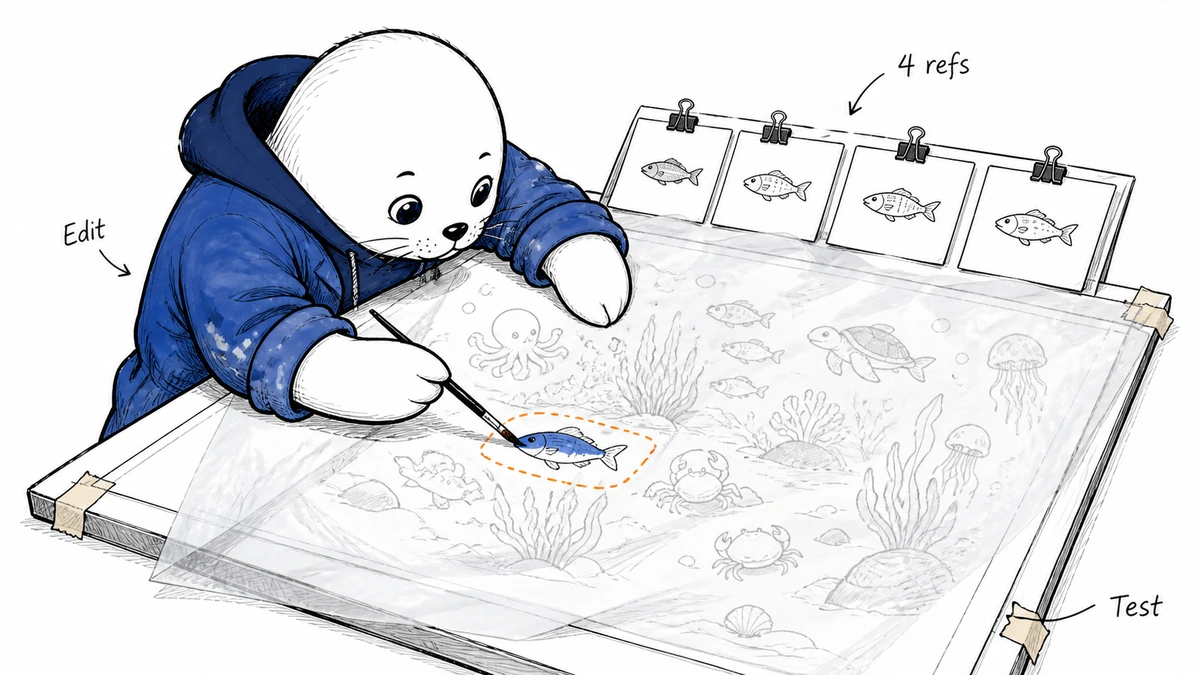
Midjourney’s Editor can modify a selected region, pan or zoom the frame, change the aspect ratio, and retexture an existing image. These tools are excellent for concept work: make room for a headline, replace a distracting object, or try a different material without restarting.
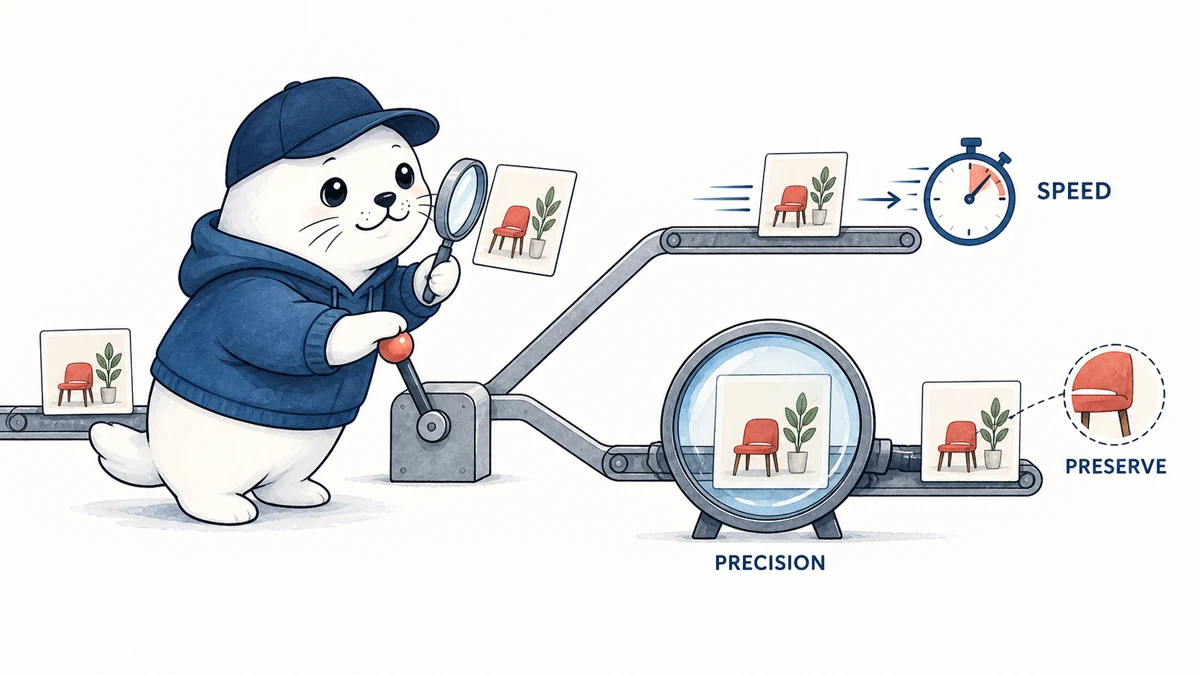
They are less dependable for identity-critical details. A product’s ports, a particular shoe pattern, a readable package label, or the same character from every angle can drift. Treat the first output as art direction. For a commercial final, inspect fingers, reflections, text, repeated objects, edges, and any claim the picture appears to make.
The short animation tools add motion to an image, which is handy for social clips and storyboards. They do not turn Midjourney into a full editing suite with a traditional timeline, precise cuts, audio mixing, or deterministic scene continuity.
What each plan really buys
According to the official plan comparison, monthly prices are $10 for Basic, $30 for Standard, $60 for Pro, and $120 for Mega. Annual billing discounts those prices. Basic is enough to learn the system, but its Fast GPU allocation can disappear quickly during exploration.
Standard is the practical plan for many regular creators because it adds Relax Mode, which allows unlimited slower image generations. Pro adds Stealth Mode, a serious consideration for client work, unreleased campaigns, or private references. Mega is for consistently high volume.
Midjourney’s privacy documentation is worth reading before the first upload. The service is open by default. Stealth hides work on the Midjourney website, but generating in a public Discord channel can still expose it.
Commercial use needs more than a paid receipt
Midjourney’s commercial-use guide explains its plan-based rights and points back to the terms. Businesses over the stated revenue threshold need Pro or Mega. Those rights do not guarantee that an image is copyrightable in every country, and they do not give you permission to misuse a trademark, celebrity likeness, or copyrighted source image.
For client work, keep the prompt history, references, edits, and final human contribution. Avoid uploading material you are not allowed to share. If exclusivity matters, use Stealth and perform a similarity and rights review before launch.
A fair one-hour test
- Write one real brief with an intended placement and aspect ratio.
- Create three clearly different visual directions, not 30 tiny variations.
- Choose one direction and use the Editor to fix a specific problem.
- Place the image in the actual ad, thumbnail, or article layout.
- Inspect text, product details, anatomy, rights, and privacy before scoring it.
This reveals whether Midjourney improves your decisions. One impressive picture does not answer that question.
My verdict
Midjourney remains a compelling creative tool because it can turn a loose idea into a strong visual direction quickly. The web workflow and editing tools make it far more practical than the old Discord-only experience.
Choose it for concept art, editorial illustration, mood exploration, and campaign development. Pair it with a conventional design or editing tool when typography, repeatability, product accuracy, or final production control matters. Start with Basic, move to Standard for sustained exploration, and pay for Pro when privacy is part of the brief.
Reviewed July 27, 2026 using Midjourney’s official documentation, plan comparison, privacy guide, and commercial-use guidance. Features and prices can change.
Features
- Distinctive image quality and strong visual art direction
- Web Create and Editor reduce dependence on Discord
- Moodboards style references and personalization support consistency
- Region editing zoom pan and retexture tools are built in
- Relax Mode gives Standard and higher plans unlimited slower images
- Useful for rapid concept exploration and campaign ideation
Community reviews
Write a reviewPractical experiences from people who have used this tool. Reviews are moderated before publication.
What was your experience?
No community reviews yet. Help the next person understand where this tool works well and where it falls short.