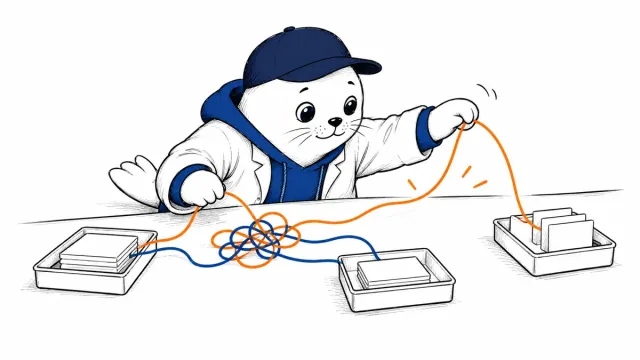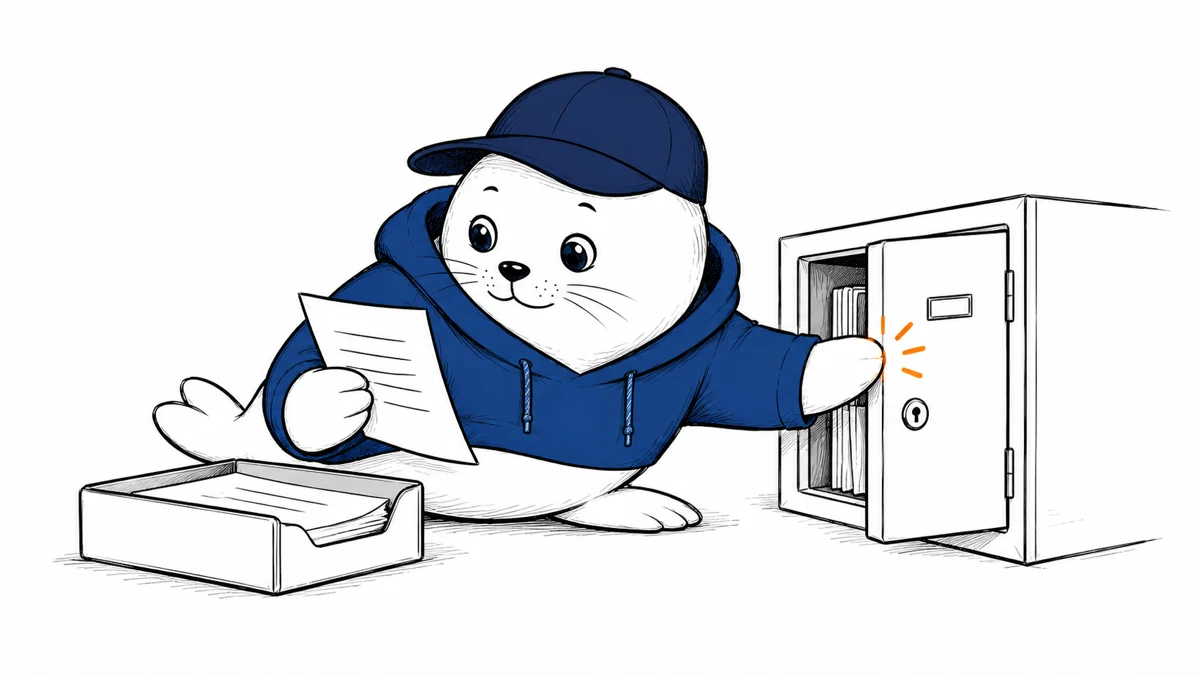
Hiding a conversation from the sidebar can help during screen sharing. Check the copies and settings outside that sidebar before treating the conversation as private.
Availability now extends beyond Enterprise
OpenAI’s October 20 Enterprise and Edu notes announced locked chats. Its current help article lists Free, Go, Plus, Pro, Business, Enterprise and Edu, with gradual rollout.
The help page excludes Healthcare, Codex conversations, and local Work conversations. Eligible cloud ChatGPT conversations can be locked in Chat or Work mode. Check your actual account for the option.
Review what remains outside the lock
The feature hides selected conversations from regular history, pinned chats, and regular conversation search. It does not create end-to-end encryption or change retention.
A pre-existing shared link keeps previously shared content available. Delete that link separately if access should end. Information remembered before locking also needs a separate review.
Enterprise and Edu compliance message logs still include locked chats. Workspace rules continue to apply. This is an access control for opening the saved conversation, with defined limits.
Use an ordinary test conversation first
I would try the feature with harmless text before relying on it for sensitive work. Check the behavior on each device you use.
- Confirm that the title leaves regular history and search.
- Verify that opening the conversation requires the expected authentication.
- Review any existing shared link separately.
- Check previously saved memory and relevant workspace controls.
Keep this test distinct from a PIN reset. OpenAI says resetting the PIN permanently deletes locked chats and content protected only by the previous PIN. Support cannot recover that content.
Write a rule people can follow
For a team, document what locking accomplishes and which retention or sharing obligations remain. A short internal explanation can prevent someone from assuming that hidden content was deleted.
Don’t put sensitive material into an account just because the lock option appeared. Apply the organization’s data policy before deciding what belongs in the conversation.
The Dots permissions guide covers another access boundary. Our data-retention article examines separate API terms.
Read the sources and choose your next check
- Current locked-chat availability, limits, and PIN behavior
- Enterprise and Edu announcement and compliance scope
Which existing shared link or memory setting would you review before locking a chat?
Checked October 21, 2026. This article is based on source review and analysis. Suggested tests have not been performed by MustHave.ai.