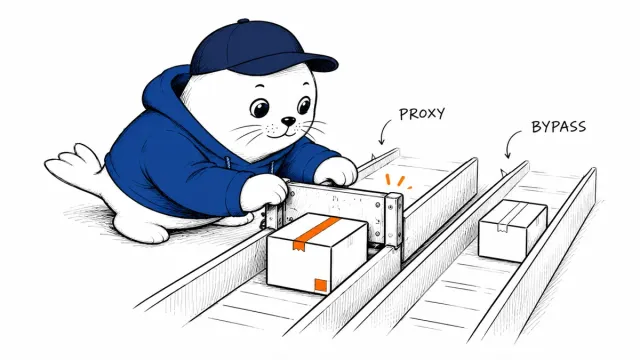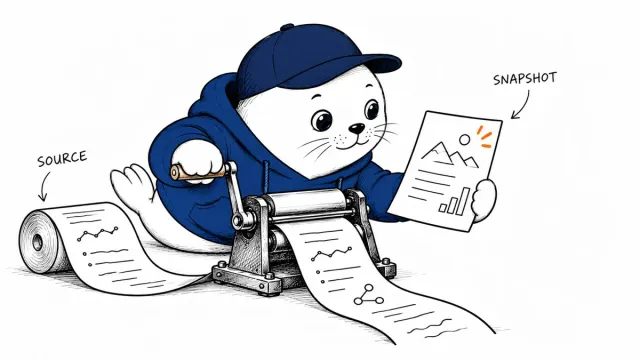
A deck can be accurate in its editor and still need repairs after export. Keep the source evidence and the delivered file in the same review.
Create and edit decks in Space
The official Space guide describes how to create presentations from a chat, files, or a template. The Slides rollout covers eligible Pro, Business, and Enterprise accounts with Space enabled.
Direct editing of text, images, and charts is available on the web and desktop. Mobile supports creating and viewing in chat; its editing options differ from those in the desktop and web experiences. Check the interface available to the people who will review the deck.
Sharing roles affect the review process
The collaboration guide supports simultaneous editing of the same deck and shared comments. It documents view and edit permissions, without a separate comment-only role.
Decide who can change the deck before sending its link. A review request should identify which facts need checking and where their sources live. Comments are easier to resolve when they name a specific slide, number, or claim.
An export is a separate delivery
On the web, the documented export options include PowerPoint, PDF, and Google Slides. Opening in PowerPoint or Keynote from the desktop depends on those applications being installed. On Windows, a local application workflow may create a local file rather than a shared cloud deck.
For collaboration, check that reviewers are opening the intended cloud deck. For delivery, inspect the exported format in the application or viewer the recipient will use. We have not performed a hands-on export comparison for this report.
Use one source-linked deck as an acceptance test
I would start with a short proposal containing one chart, one source-linked claim, and a slide with a longer heading. Those elements expose different problems during editing and delivery.
- Trace each factual claim and chart value to an underlying source.
- Ask a teammate to edit the intended shared deck and resolve a comment.
- Export the exact version approved for delivery.
- Inspect text wrapping, fonts, chart labels, links, and speaker notes where supported.
- Open the final file again after saving it, using the recipient’s target application.
Record content accuracy and export fidelity separately. A correct visual layout cannot establish that the numbers are true, and a correct source cannot establish that its label survived the export.
The Cursor canvas guide explains a different snapshot-sharing model. Our forecast evaluation guide shows why a chart also needs a defensible data cutoff.
Read the sources and plan your next step
Which exported format will your recipient actually open?
Checked October 19, 2026. This is source-based reporting and analysis; proposed checks are not hands-on test results.