Mistral is bringing chat, spreadsheets, small apps, and a personal knowledge base into one Vibe Work experience. The features do not all behave like a live, synchronized workspace. Knowing which output is editable, which is shared as a snapshot, and which requires a paid plan is the difference between a useful prototype and a misleading handoff.
The September Vibe Work release has four different availability stories.
Mistral’s September 22, 2026 release notes describe a merged Chat and Work interface, spreadsheets, Mini App Canvas, and an Agentic Knowledge Base. The unified Vibe experience is labeled generally available, but account migration is phased: Free, Pro, and Teams began moving from September 14, while enterprise migration starts October 1 under administrator control. That doesn’t mean every account gets every new capability on the same day.
Spreadsheets are available on paid plans. The knowledge base is in public preview. Mistral lists Mini App Canvas as available on Serverless, but says shared mini apps capture a snapshot and do not continuously refresh their source data. Readers should check their own account and plan before designing a workflow around a feature shown in the release notes.
A spreadsheet can be edited in Canvas—but Google Sheets is a separate copy
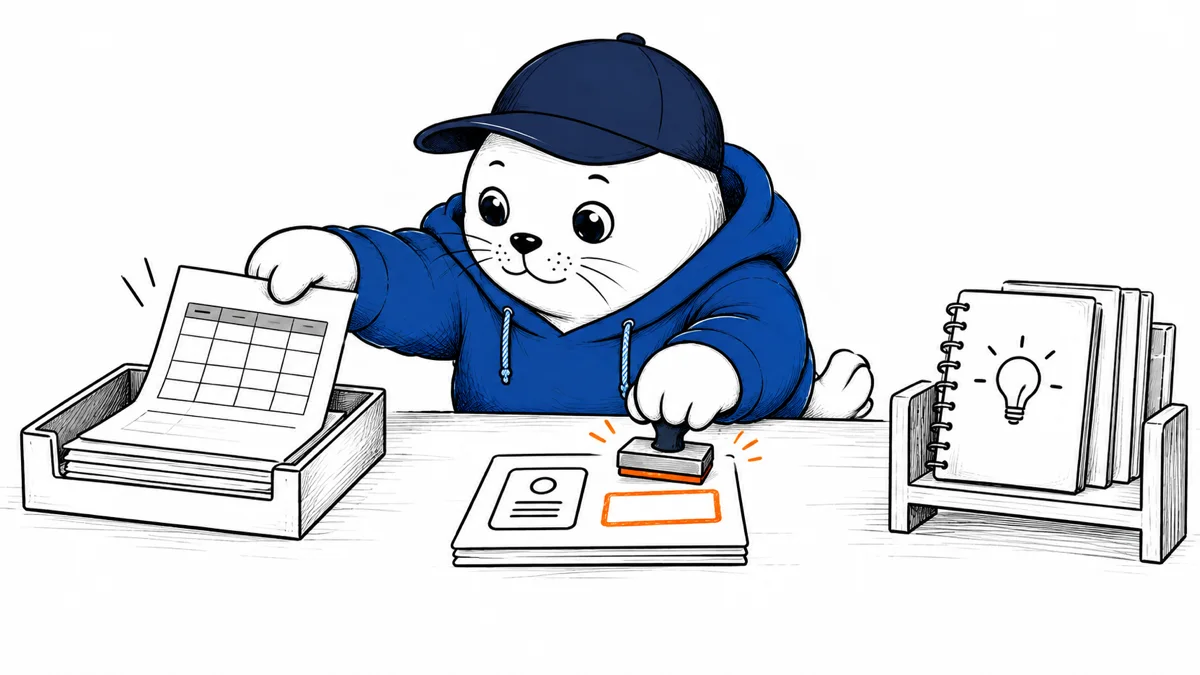
According to Mistral’s spreadsheet guide, a paid user can ask Work to create a workbook with multiple sheets and formulas, edit cells or formulas in Canvas, and download a .xlsx file. You can analyze and transform an uploaded Excel or CSV file through follow-up prompts. The result deserves the same reconciliation as any human-built spreadsheet: test representative formulas, totals, dates, number formats, and any cells that drive a business decision.
The “Open in Google Sheets” option is a handoff, not two-way synchronization. Edits in Sheets do not flow back to the Canvas workbook. A team should name the authoritative copy before inviting collaborators, then decide how to merge changes. Our Workday-for-Sheets analysis covers a different AI spreadsheet workflow where tracing data and calculations back to the approved source matters just as much.
Mini apps are shareable, not live dashboards by default.
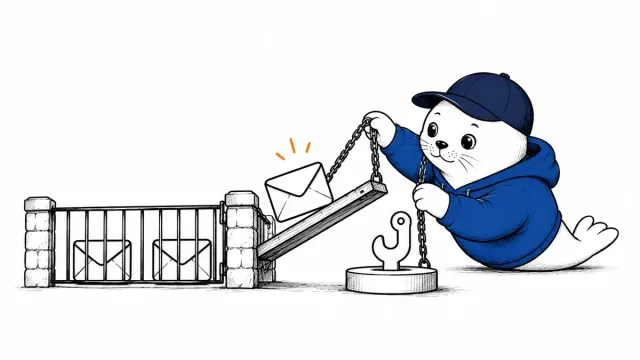
Mini App Canvas can produce an interactive React-based dashboard, report, or small tool from a prompt and data gathered through connectors or workflows. Mistral says an edited app must be re-shared to update its shared link. The app captures data when it is generated; it has no automatic live refresh or persistence for actions taken inside it. A customer-facing “live dashboard” claim would therefore be inaccurate without another tested data and deployment layer.
A simple acceptance test is to generate a mini app from a dated dataset, share it with one colleague, change the source, and check whether the shared view updates. Then re-share and compare. Record the source timestamp in the handoff so a polished app cannot be mistaken for current operational data.
Knowledge Base changes what carries over between conversations.
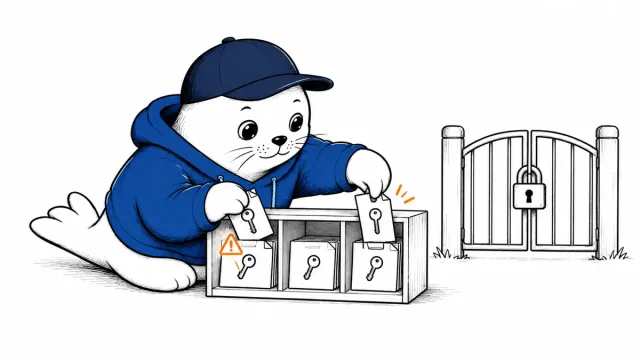
Mistral describes the Agentic Knowledge Base as browsable, editable knowledge topics that can be recalled when relevant, rather than flat memories inserted into every conversation. The public preview includes user controls and enterprise configuration. Existing Chat Memories migrate into a knowledge topic as accounts move to the new Vibe experience. A team should review the migrated material, remove stale assumptions, and test that sensitive details aren’t recalled in unrelated tasks before treating the feature as an institutional source of truth.
A practical way to evaluate the package
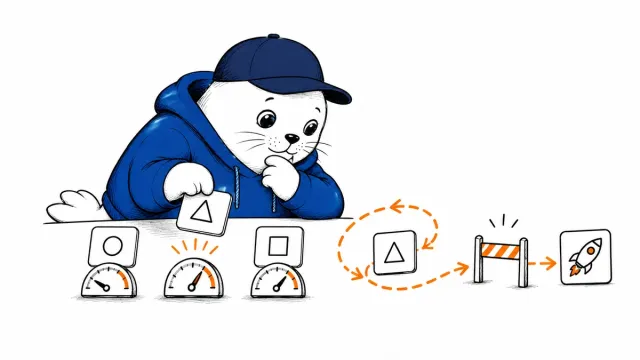
Use one small, non-sensitive project across the four surfaces. Ask Work to clean an uploaded CSV, verify a handful of formulas in its workbook, export and compare the Excel file, then create a mini app from the same data and check its snapshot date. Finally, ask a new conversation a question that depends on a deliberately saved knowledge topic. This separates workbook correctness, sharing behavior, and memory retrieval, rather than treating them as one undifferentiated “AI at work” feature.
Mistral’s broader agentic migration case study makes a related point: useful AI work is defined by verifiable handoffs, not just a completed-looking artifact. Vibe Work may narrow the gap between a question and a workbook or app. Still, its value for a particular team depends on plan access, formula accuracy, data freshness, and clear ownership of the final file.