

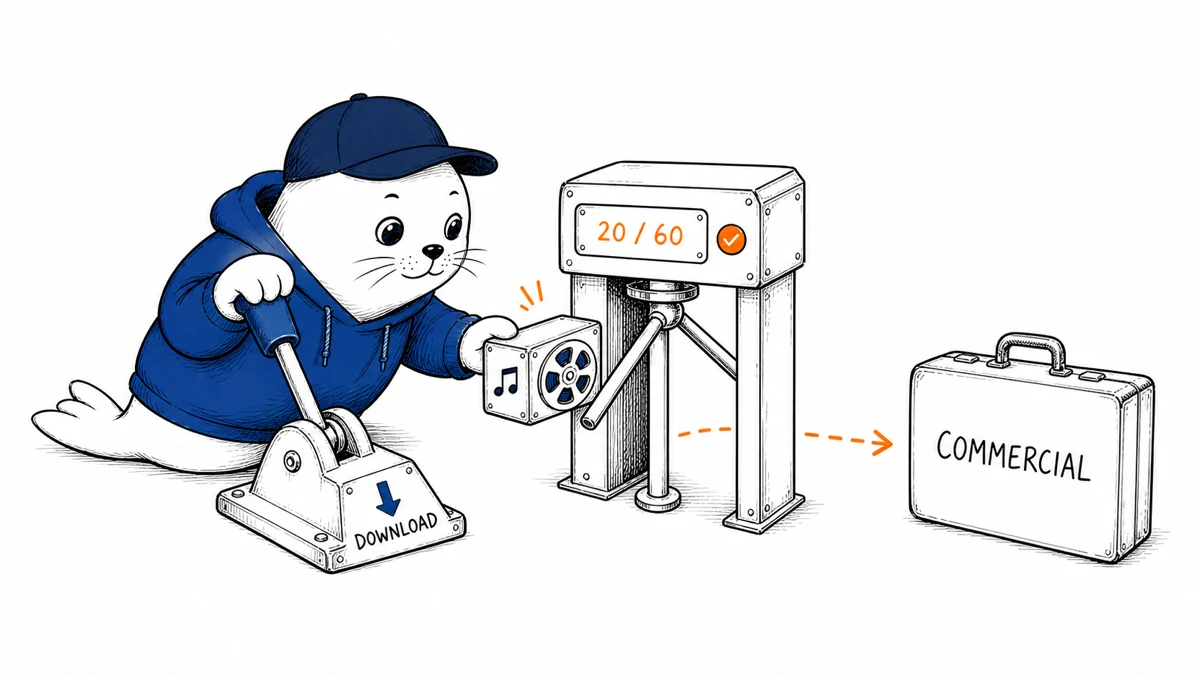
A music plan can generate far more drafts than it lets you download. Start with the files you need to deliver, then compare the generation and export allowances.
Compare the allowances shown on the pricing page
The current official Suno pricing page separates generation credits from song downloads. Use Suno.com when checking these plans; similarly named third-party sites may have different products and terms.
| Plan | Generation allowance | Monthly song downloads |
|---|---|---|
| Free | 50 credits per day | No recurring monthly allowance |
| Pro | 2,500 credits per month | 20 |
| Premier | 10,000 credits per month | 60 |
The annual view shows Pro at an $8 monthly equivalent and Premier at $24. Multiplying those displayed equivalents by twelve gives $96 and $288 before applicable taxes. Check the billing selector and checkout before subscribing.
Keep a separate budget for final files
Write down how many final tracks must leave the platform during the billing period. Then allow for drafts that need revision or will never be used.
A hypothetical project needing twelve approved song files and three backup choices requires fifteen downloads if each file consumes one download. That leaves five from a 20-download allowance under that assumption.
Check how the product counts your particular exports before relying on this calculation. Stems, revisions and Studio workflows may follow different rules.
The September change has a narrower free-trial exception
Suno’s August 10 announcement set September 3 as the start of the download policy. It distinguishes older accounts eligible for up to seven lifetime trial downloads from later accounts that may occasionally receive trial downloads.
The same announcement describes a separate treatment for Premier users working with stems and samples in Suno Studio. Keep that statement separate from the pricing page’s monthly song-download count.
The original library remaining playable and shareable does not establish that every saved song can be exported without a limit. Check the account’s current download balance.
Read commercial permissions beside the permitted download
Suno’s paid-subscription help page describes commercial permissions for songs downloaded while subscribed. Its terms supply the applicable conditions and restrictions.
The provider also cautions that commercial permissions do not guarantee copyright protection. A client project may require separate permissions for lyrics, supplied recordings, or other material.
Keep the relevant plan, download record, and current terms with a commercial project. Do not assume a remix, someone else’s material or a separately supplied recording has the same status as your own original input.
Choose a plan from the project’s needs
- List the number and kind of final files you need.
- Compare generation credits and download allowances separately.
- Check the selected billing period and renewal conditions.
- Read the use conditions for the intended project.
- Keep an archive of the authorized final downloads.
This compares documented allowances and provides an illustrative calculation. We have not generated tracks, assessed audio quality, or checked a particular customer’s rights.
The official Suno directory entry provides product context. Our Vmake review covers another case where a preview and a usable export have different limits.
Sources
- Current plan and billing presentation
- Announcement date, September policy and trial exceptions
- Provider commercial-use explanation
- Current terms and conditions
How many accepted files must your project export during one billing period?
Documentation checked October 25, 2026. Prepared with AI-assisted research and drafting. Worked examples are illustrative; MustHave.ai has not run an authenticated product test for this guide.


