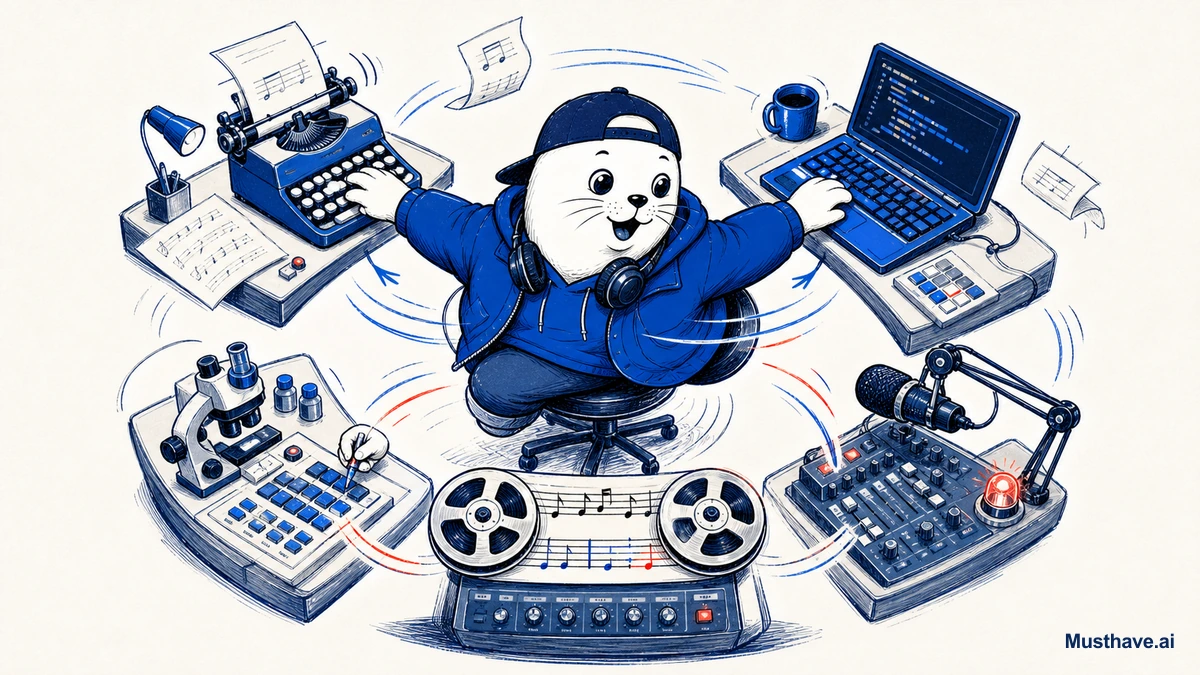
Watch how someone who actually gets a lot done with AI works, and you’ll notice something: they don’t have an AI. They have three or four, open in tabs, and they flick between them like a chef reaching for different knives. That’s the multi-model lifestyle, and it’s less about being fancy than about refusing to let one tool bottleneck your whole day.
Why one tab isn’t enough
The premise is simple: in 2026, no single model wins every job. One is best for careful writing, another for coding, another lives inside your Google apps, another is great for quick real-time questions. If you force everything through one tool out of loyalty, you’re using the wrong instrument half the time.
Power users solved this by not choosing. They keep multiple models open and send each task to whichever one handles it best. It looks like a lot of tabs; it’s actually just using the right tool for each job.
What the four tabs usually are
Everyone’s lineup differs, but a common shape looks like this, and yours will vary based on your work.
- A writing model for careful, long-form, or sensitive-tone work.
- A coding/agent model for anything technical or multi-step.
- An ecosystem model that lives in the apps you already use (email, docs, research).
- A wildcard for real-time info, creative experiments, or a cheap option for high-volume grunt work.
Four tabs, four jobs. Not because more is impressive, but because each one earns its place.
The habit that keeps it from becoming chaos
Here’s the catch: four tabs without a system is just four ways to get distracted. The thing that turns it into a lifestyle instead of a mess is a written assignment board, a simple note of which model owns which kind of task.
Once it’s written down, you stop deliberating. Writing job? You already know which tab. Code problem? That one. No agonizing, no re-litigating the leaderboard every morning. The decision is made once and reused, which is exactly what frees up your attention for the actual work.
The underrated benefit: resilience
There’s a practical payoff beyond quality, too. When one model has an outage, gets rate-limited, or just gives you a bad answer, you don’t lose your day, you switch tabs and keep moving. Depending on a single AI provider means their bad afternoon is your bad afternoon. The multi-model habit is quietly a resilience strategy.
How to run it without thrashing
The failure mode to avoid is the opposite extreme: bouncing between tools every hour and finishing nothing. Discipline keeps the lifestyle productive.
- Assign, then commit. Give each job to a default model and stick with it for the task.
- Re-test after big releases, not daily. When something genuinely leaps ahead, reassign that job. Otherwise, ignore the noise.
- Keep the lineup small. Three or four is a system; twelve is a hobby.
The bottom line
The multi-model lifestyle isn’t about collecting subscriptions or showing off. It’s a calm, practical way to always have the right tool for the job while staying resilient to any one tool’s bad day. Keep a few strong models open, write down which owns what, re-test occasionally, and get back to shipping. That’s how power users stay productive while everyone else argues about which single AI is “the best.”
How to physically set up your tabs
The multi-model habit only works if switching is frictionless, so set it up once. Pin your two or three models as permanent browser tabs (or install their desktop apps) in a fixed order, so the writing one is always the same tab and your hands learn it. Give each a keyboard shortcut if the app allows. Keep your written assignment board visible (a sticky note or a pinned doc) until routing becomes reflex. The goal is that choosing the right model costs zero thought; you just reach for the tab the job belongs to, the way a cook reaches for the right knife.
How many AI tabs do you keep open, and which owns which job for you? Share your lineup in the comments.
Verification sources and related guides
Primary reference: OpenAI model documentation. This is an official provider source. Treat performance, adoption, and product claims as company-reported unless the article identifies an independent check.