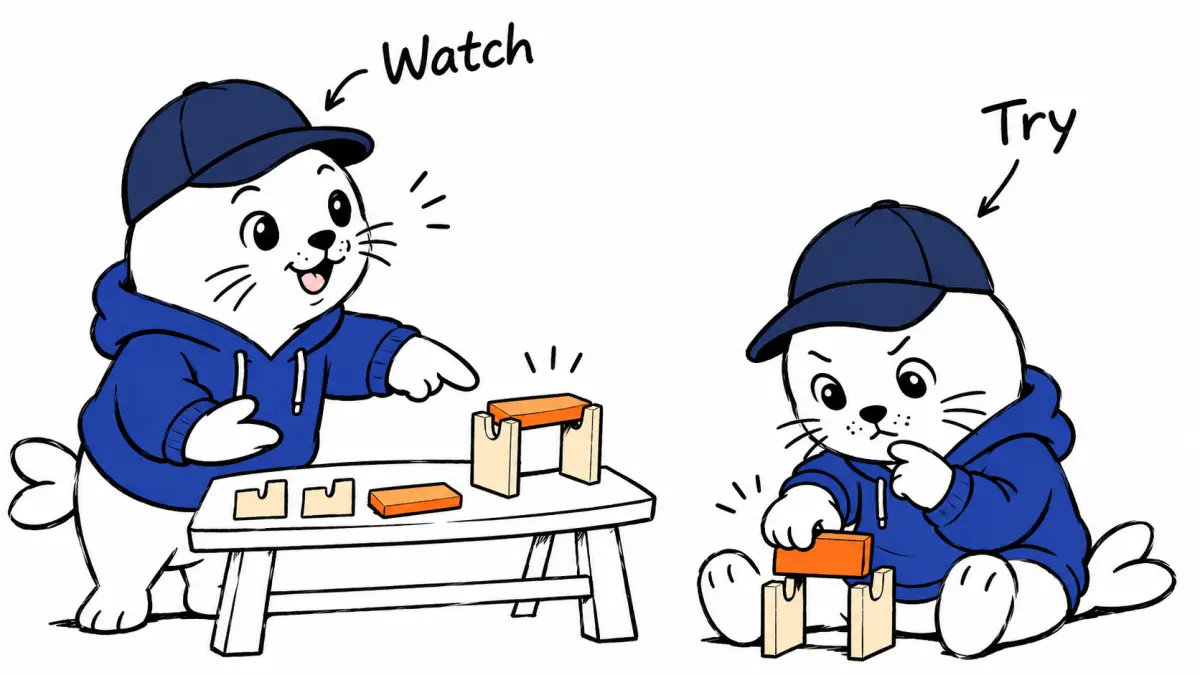
A training video earns its place when someone can complete the task after watching it.
Choosing an AI training-video tool starts with the job the learner must perform. A narrated procedure, a recorded software walkthrough, and an assessed lesson need different production workflows. Comparing the subscription price alone can hide the work required to correct instructions and keep the material current.
This guide proposes a way to evaluate those workflows using one short procedure. It draws on the published capabilities of Synthesia and Guidde. The comparison is a planning method. We have not run a shared-input production test or measured learning outcomes for either service.
Choose the learner’s task first
Write a single outcome that a new colleague can demonstrate. It might be preparing an expense draft, locating a customer record, or changing a notification setting. Keep the exercise small enough that someone can finish it during a short review session. A broad goal such as understanding the dashboard is harder to evaluate.
List the starting conditions beside that outcome. A viewer may need a particular account role, an existing sample record, or access to a menu that other users cannot see. When those conditions disappear from the lesson, the learner can follow every instruction and still fail to reach the expected result.
Use fictional data in the first recording. It gives the reviewer freedom to pause, replay, and share the exercise without exposing customer information. Retain a clean copy of the starting state so someone else can repeat the task after the first attempt changes it.
Decide what needs to be shown
A presenter-led video can explain a policy or introduce a process before someone uses the application. A screen walkthrough can show the actual sequence of controls. The choice depends on where the learner is most likely to hesitate. If the obstacle is finding a small button, a polished spoken explanation alone leaves the main problem unresolved.
Synthesia’s plan comparison describes generated presenters, document-to-video workflows, and learning-related capabilities. Guidde’s free tier lists up to 25 how-to videos, voiceover, shareable links, and screen-walkthrough effects. Features vary by plan. Verify the exact export and distribution requirements against the account you intend to buy.
For a mixed procedure, use the shortest format that answers the learner’s question. A brief explanation can introduce the reason for a control, followed by a direct view of that control in use. Avoid adding a presenter to every step merely because the generator makes it easy.
Build a source sheet before generating narration
The source sheet should contain the current procedure, the owner of that procedure, and the product version or date it describes. Include exact field names where a learner must recognize them on screen. Mark optional steps so the generated narration does not turn them into requirements.
Ask the subject owner to review the source sheet before production. A fluent voice can make an outdated instruction sound authoritative. Correcting the narration later takes more work when the same error has already shaped the visuals, captions, and translated versions.
Keep an explanation for every condition that changes the route through the task. If an administrator sees a different menu, say which role the lesson uses. If a record must already exist, provide the sample. These small details often determine whether the video works for someone outside the team that made it.
Use a learner review rather than a visual vote
Give the first draft to someone who did not write the procedure. Ask them to complete the task with the video and the starting-state instructions. Record where they pause, replay, or ask for help. Their questions reveal missing context that the author may overlook.
Keep visual quality and task completion as separate review fields. A lesson can look excellent while skipping the decisive click. Another can be visually plain yet clearly explain a difficult step. The production decision should reflect the outcome the business needs.
| Review field | What to record | Revision trigger |
|---|---|---|
| Correctness | Result matches the current procedure | Wrong field or missing prerequisite |
| Usability | Viewer completes the task | Help needed at an unexplained step |
| Accessibility | Captions and essential visual details | Meaning depends only on audio or color |
| Maintenance | Owner and source version | Interface or policy changes |
Calculate the cost of an accepted lesson
Use a worked scenario to see how review can dominate the budget. Assume a team spends $60 on production access for a month and creates ten drafts. Reviewing each draft takes 12 minutes. At an assumed internal labor value of $30 per hour, review costs another $60.
If eight drafts become usable lessons, the combined $120 cost is $15 per accepted lesson. Now suppose each accepted lesson needs 15 minutes of correction. That adds two hours of work, valued at $60, bringing the illustrative total to $180 or $22.50 per accepted lesson.
These amounts are planning assumptions, not quoted vendor prices or measured productivity. Replace them with your own subscription, review time, and acceptance count. Include the lessons you abandon. Omitting rejected drafts makes a workflow look cheaper without reducing the actual effort.
Check how the lesson reaches the learner
A shareable link may be enough for an internal reference. A learning management system may need a specific package or completion report. Confirm that requirement before choosing a plan. A video download and a tracked learning package are different deliverables with different operational uses.
Test access on the device the learner will use. Check captions, readable control labels, and whether the link requires a separate login. A lesson that works on the author’s large monitor can become hard to follow on a phone when essential interface details are small.
For translated versions, review terminology with someone who knows the procedure in that language. Keep field names recognizable where the application itself remains in English. Record which translations correspond to the approved source version so updates reach all affected lessons.
Make updates part of the publishing decision
Assign an owner before the lesson goes live. That person needs a way to identify where the video is embedded and which source procedure it follows. When a menu changes, they should be able to find the affected material without manually searching every channel.
Keep a small revision note with the editable source. State what changed and which learner problem it resolves. Over time, those notes can show whether the chosen format is inexpensive to maintain or repeatedly needs a complete remake.
Start with one procedure, one learner, and one acceptance sheet. Then compare the correction effort across formats. Our AI clipping guide applies the same cost-per-accepted-output reasoning to short videos. For training, the decisive result is a person finishing the intended task with clear, current instructions.

Abdessalam Alaoui
I'm Abdessalam Alaoui, founder of Musthave.AI. I write practical guides to AI models, tools, generative media.