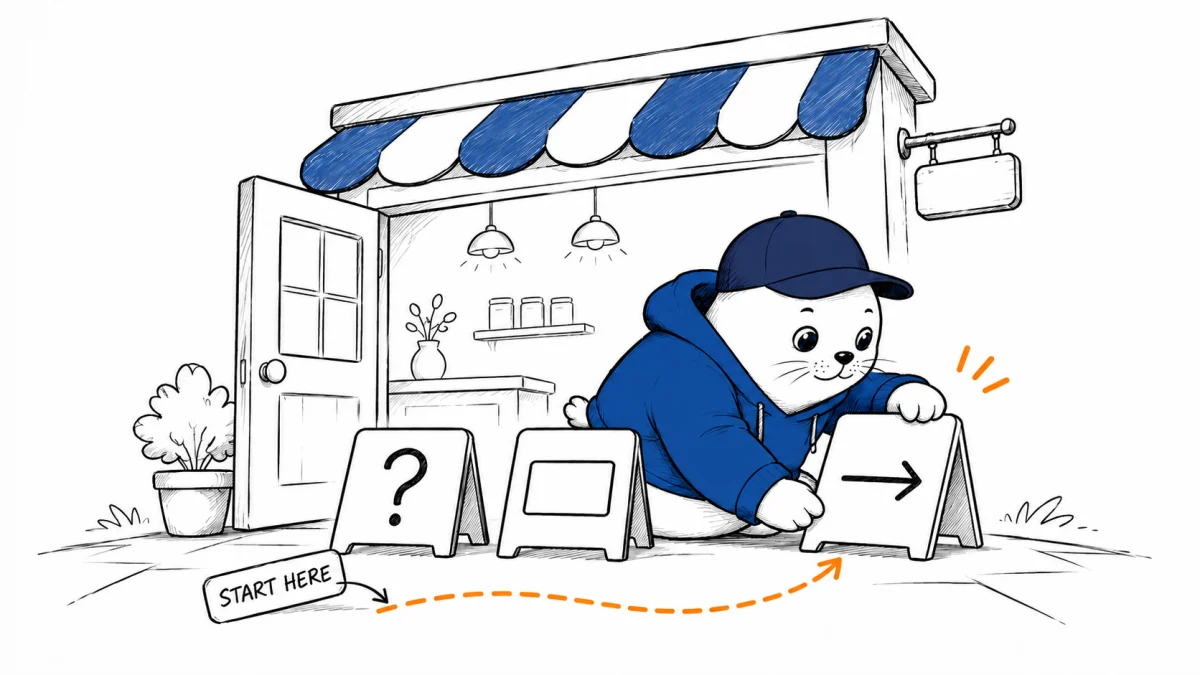
The first three choices can show users what your agent does before they write a request.
Google Chat developers can now add an app description and up to three starter prompts to a direct conversation. The November 18 Workspace announcement says the rollout began November 16, with feature visibility expected within one to three days. It lists availability for Workspace customers and Workspace Individual subscribers. Developers configure the options on the Chat API page in Google Cloud Console.
A text prompt and a command have different effects
| Starter type | Documented behavior | Suitable first action |
|---|---|---|
| Text | Fills the compose box with predefined text. | A question the user can edit before sending. |
| Command | Runs a registered slash or quick command when clicked. | A predictable action such as showing a preview. |
The developer instructions describe that distinction. The announcement uses broader wording about text prompts sending a message. Before assigning an action with consequences, check the behavior in your own app and use the developer specification when setting expectations.
Use the character budget to name a result
The documentation allows 30 characters for a text starter’s title and 60 for its message. Both fields exclude forward slashes and backslashes. A rank from one to three controls display order, and localized titles and messages let a developer adapt the same entry points for different languages.
| Example title | Example text to prepare | Why it helps |
|---|---|---|
| What can you do? | Show the tasks you can help me complete. | Gives a new user a place to explore the app. |
| Preview my report | Build a report preview for me to review. | Names an output and a review step. |
| Check an existing task | Show the status of a task I already started. | Helps returning users resume work. |
These are proposed copy examples within the documented limits. Match each one to a capability your app actually supports. If “Preview my report” is a text starter, keep the message editable. If the same label invokes a command, make the command’s direct effect clear in the app response.
Measure the first useful result
A simple onboarding trial can count first conversations, starter clicks, submitted requests, and successful first outputs. Record the steps separately. A chip that opens the composer can attract clicks without producing a submitted request.
Choose one useful output as the completion event, such as a report preview the user opens. Keep that event unchanged when testing new wording or order. This gives a founder a way to judge whether the prompts help people use the app beyond the first click.

Abdessalam Alaoui
I'm Abdessalam Alaoui, founder of Musthave.AI. I write practical guides to AI models, tools, generative media.