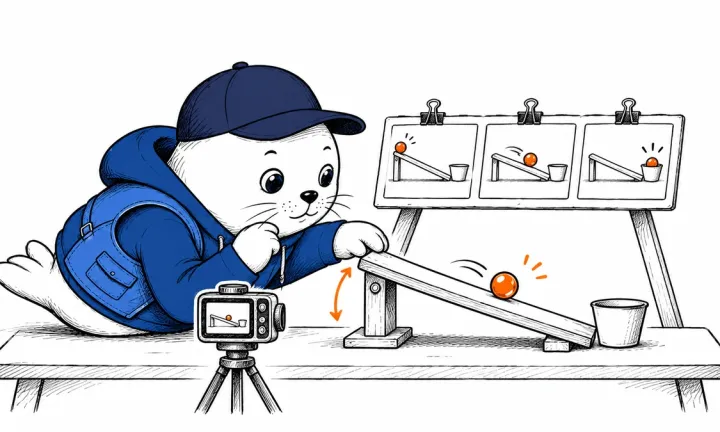

The first useful upgrade test is a request that already works on your current build.
llama.cpp v1.0.0 shipped on November 13. If you embed the inference engine in a C or C++ application, rebuild your integration against the new headers. If you run llama-server as a separate process, use the upgrade to check startup configuration and the HTTP requests your clients already send. llama.cpp v1.0.0 release
Rebuild applications that include llama.h
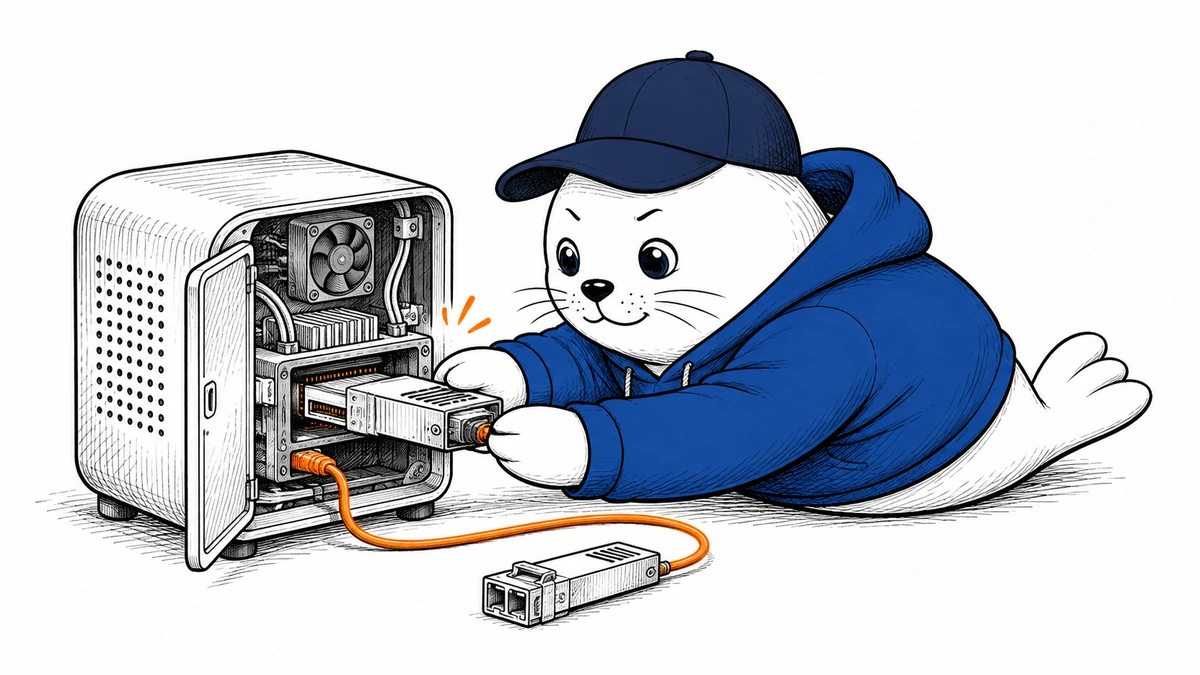
The maintainers removed deprecated public APIs and moved the NextN speculative decoding interface into llama.h. A build against the new headers will show which code still references removed symbols. If you use speculative decoding, run a representative case with your existing model and settings and check whether the implementation still follows the path you expect. Maintainer migration notes
Build the application and the library from versions you intend to deploy together. Check a short completion, streaming output, and any model-loading errors your application handles. Keep the model and inputs fixed so you can trace a difference back to the upgrade, then test additional model formats or device configurations you support.
Check the server and GPU paths separately
The release adds CUDA support for OCP FP8 KV cache formats and a /v1/audio/speech route for compatible models. Treat those as separate checks. A text model that loads successfully tells you little about whether your speech model works, and a precision format listed for CUDA does not establish support on another backend. The release notes also list network and Model Context Protocol changes. Review the options you actually use before restarting an instance that can reach other services. Server and backend changes
A small migration test before switching traffic
Run the previous version and v1.0.0 on separate local ports. Send both the same model, prompt, and generation parameters through the same client. Compare the HTTP status, response fields, and streaming events. Test cancellation and a malformed input as well as a normal answer. If you serve more than one model, repeat with the model your users rely on most.
For the first rollout, keep the installation and configuration for the previous build available. Once the old requests work on 1.0, evaluate speech or FP8 in isolation. Measure memory, time to first token, and completion time on your own model and hardware before drawing any performance conclusion.

Abdessalam Alaoui
I'm Abdessalam Alaoui, founder of Musthave.AI. I write practical guides to AI models, tools, generative media.