Perplexity
Perplexity is an AI answer engine that searches the web, writes a direct response, and places source links beside the claims so readers can inspect the evidence.
Be the first to share your experienceWhat does it do?
Perplexity is useful because it shortens the distance between a question and the sources that might answer it. The response is readable, the links are close by, and a follow-up can refine the same line of inquiry. That makes it a better starting desk than a blank search box for many open-ended topics.
It is not a source. It is a guide standing between you and the sources. Sometimes that guide is excellent; sometimes it joins two facts that never belonged in the same sentence. The habit that makes Perplexity valuable is simple: click before you believe.
The citation is the beginning of the work
Perplexity describes itself as an answer engine in its official product guide. It searches the web, chooses sources, and writes a response with numbered citations. Follow-up questions retain the thread, so you can narrow a date range, ask for an opposing view, or request primary sources without rebuilding the query.
A citation proves that a page was associated with the answer. It does not prove the page supports the wording beside the citation. The system may draw a stronger conclusion than the source, quote a current number beside an old definition, or miss a qualification buried lower on the page.
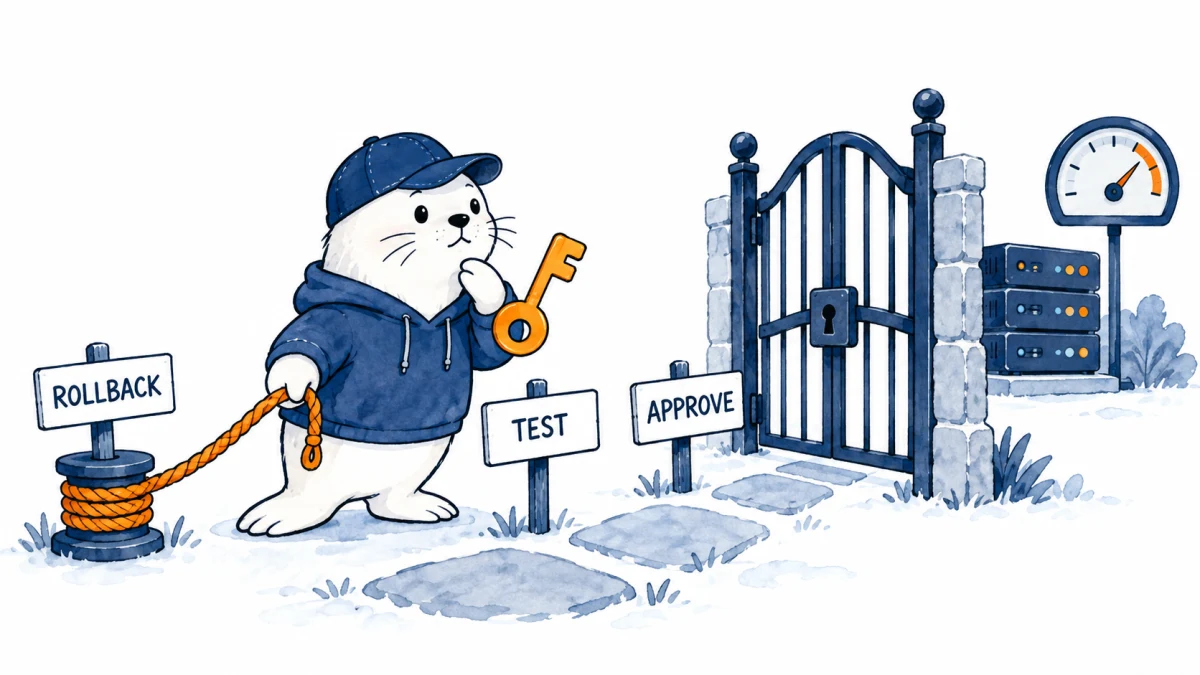
For anything important, open the link and check three things: does the source make the exact claim, is it current enough for the question, and is it authoritative for the subject? A company help page is good evidence for its own feature limits. It is not independent evidence that the feature beats a competitor.
Where Perplexity saves real time
It is strong at orientation. Ask for the main terms in a technical debate, the official pages behind a policy change, or a comparison of plan limits, and you can arrive at a sensible reading list quickly. It also handles questions where freshness matters better than a model answering from memory alone.
Files add another route. Upload a report and ask Perplexity to identify a decision, a risk, and the page supporting each. Then verify against the original. For research that spans the web, deeper modes can spend longer gathering and synthesizing material. Perplexity’s Pro guide outlines model access, file analysis, Research, and creation features.
I would not use it to manufacture a finished article from one broad prompt. The result tends to inherit the shape of whatever sources were easiest to retrieve. Use it to build evidence, then decide the argument and write from the material yourself.
Free, Pro, Max, and a separate credit meter
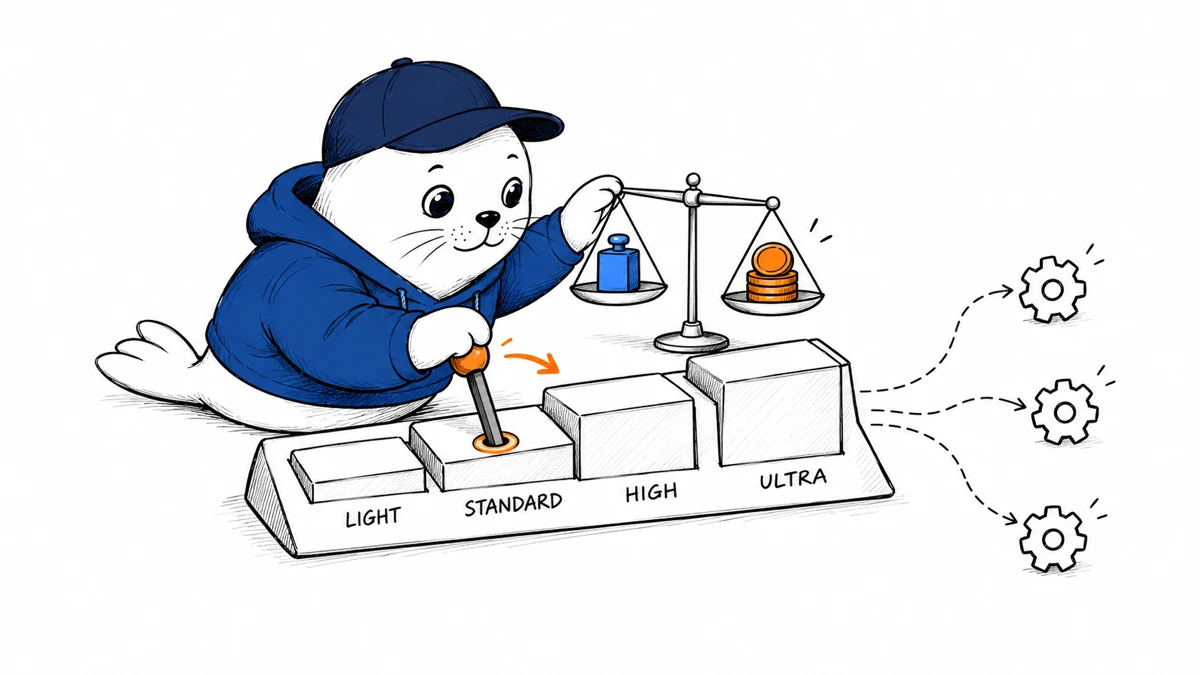
The Standard plan is free and allows ordinary searches with limited premium access. Perplexity Pro has historically been listed at $20 per month for individuals, with annual options and promotions varying by account or region. Enterprise Pro is separately priced per seat. Check the account’s current offer before paying because plan names, allowances, and regional prices move.
Perplexity also has compute-heavy features that use credits. Its credit documentation explains that advanced multi-step work may draw from promotional, monthly, or purchased credits depending on the plan. A Pro subscription does not necessarily include a recurring credit allowance for every agentic feature.
For most people, the right sequence is free first, Pro only when premium search or file limits interrupt repeat work, and extra credits only after a task has demonstrated enough value to justify its variable cost.
Privacy and sensitive research
A research query can reveal a planned acquisition, a medical concern, a client problem, or an unpublished product. Do not paste sensitive information into a consumer search tool without checking the current account controls and policy. Enterprise offerings may have different retention and administrative terms from personal accounts.
Uploaded files deserve extra caution. Remove personal data where it is not needed, share the smallest useful extract, and avoid assuming that “private” and “not used for training” mean the same thing. For regulated work, follow the organization’s approved tools and data policy.
A five-query accuracy test
- Ask one current factual question with a known answer.
- Ask for the primary source and a source that disagrees.
- Open every citation attached to the central conclusion.
- Repeat the query with a date boundary or a narrower definition.
- Record unsupported claims, missing context, and time saved.
This is more revealing than judging the fluency of one answer. You are testing research behavior, not prose.
My verdict
Perplexity is one of the better front doors to web research. It can replace the first messy half-hour of query reformulation, terminology hunting, and tab collection. Its citations make mistakes easier to catch than an answer with no visible trail.
Keep the free plan until you know which paid capability you repeatedly need. Use Pro for frequent research, advanced model access, or file-heavy work, but keep source verification in the workflow. Perplexity is at its best when it helps you ask a sharper second question and reach the original evidence sooner.
Reviewed July 27, 2026 using Perplexity’s official product, plan, and credit documentation. Features, limits, and prices can change by region and account.
Features
- Citations sit close to claims and speed up source inspection
- Handles current web questions better than a closed chat alone
- Follow-up questions preserve useful research context
- Free plan is sufficient for ordinary search and evaluation
- Pro adds model choice file analysis and deeper research tools
- Good for finding terminology sources and competing explanations
Community reviews
Write a reviewPractical experiences from people who have used this tool. Reviews are moderated before publication.
What was your experience?
No community reviews yet. Help the next person understand where this tool works well and where it falls short.