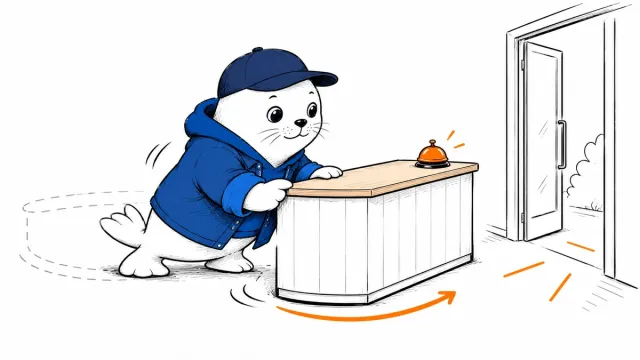
An agent can complete a code change and leave you wondering which files it touched, what it learned, and what happens next session. ThinkRail puts those questions inside the workspace.
A JetBrains incubator project with a recent nightly
ThinkRail wraps the pi coding agent in an interface with project workspaces and durable project knowledge. JetBrains lists it as an incubator project. The v0.3.0-nightly.6 release was published on October 25, 2026, and carries a prerelease flag.
That status matters when choosing where to try it. A public release artifact gives you a version to inspect. It does not establish production stability or compatibility with your repository.
Choose the workspace before assigning the task
The current README describes separate workspaces based on Git worktrees. A worktree is another checkout of the same repository, usually working on a different branch. ThinkRail also lets you work explicitly in the project folder itself.
Those choices affect where the agent writes. Confirm the active folder and branch before giving it a task, especially when you already have uncommitted changes. A worktree separates a checkout; that alone doesn’t prove commands, credentials, or network access are contained.
For an initial evaluation, I would use a disposable repository with one failing example. Ask the agent to fix that example and show the resulting diff. Then verify that the files changed belong to the intended checkout. This is a suggested test, not a result from our own ThinkRail run.
Make project knowledge reviewable
ThinkRail’s README describes living specs and reusable skills as ways to retain project knowledge. A useful spec should explain a decision that the next task needs: the supported runtime, a naming rule, or why a dependency was rejected.
The review should cover that saved knowledge as well as the code. If an agent turns a temporary workaround into a permanent rule, a later session may repeat the mistake. A detailed conversation does not tell you whether the right rule persisted.
- Start with one written project rule and a small code task.
- Inspect the code diff and any changes to the saved specs.
- Start a separate task that depends on the rule.
- Check whether the next result applies the rule correctly and leaves unrelated files alone.
This separates two outcomes you can otherwise confuse: completing the current task and preserving a useful instruction for later work. Our AAIF agent-skills coverage discusses the portability side of those instructions.
Distinguish the current project from its roadmap
The README says full extension support is still being added. Do not count that planned capability as a feature you can already depend on. It also uses an Apache 2.0 license, which is separate from the cost or terms of a connected model service.
A repository README can change after a nightly release. Pin the version you evaluate and record any difference from the current documentation. For another agent workspace, our Devin Desktop review shows why save behavior and review controls deserve their own inspection.
Inspect the release and project
What project rule would you want a coding agent to remember between tasks?