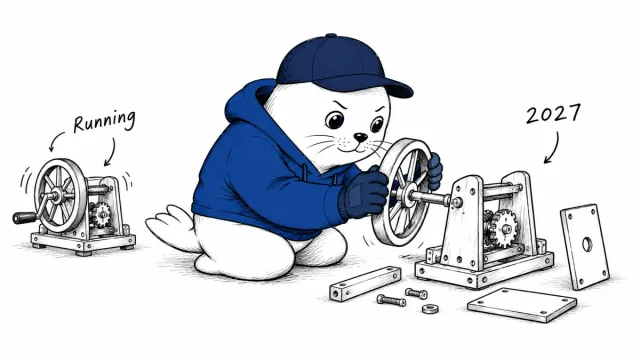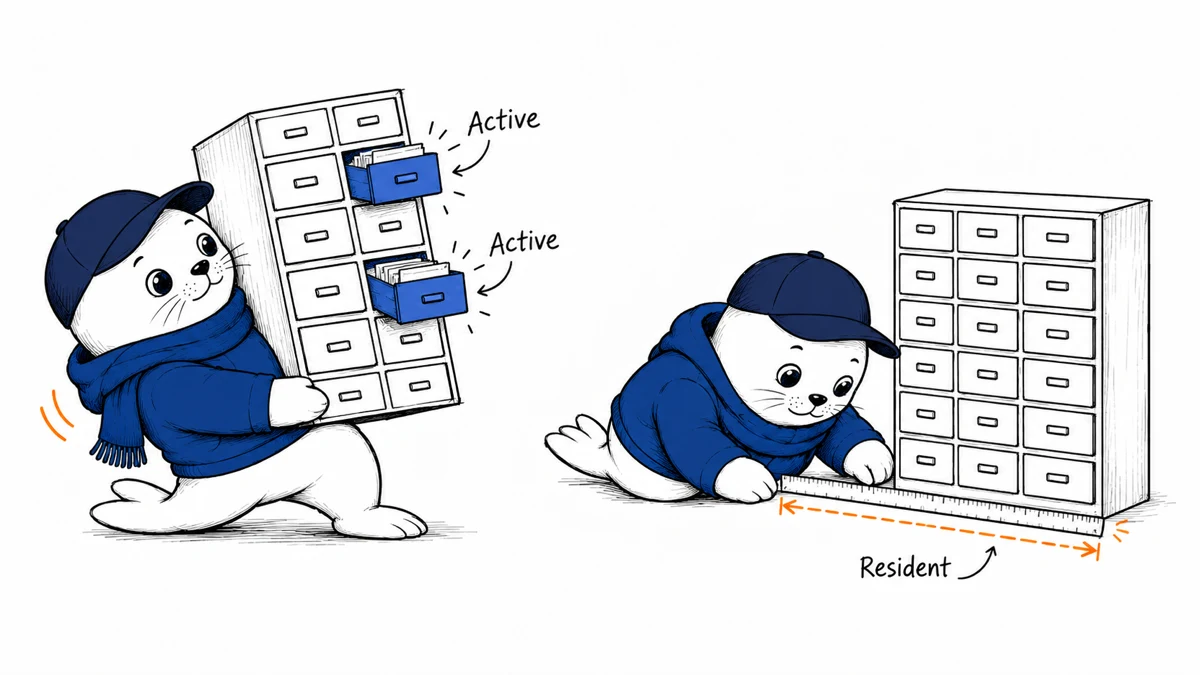
Two billion active parameters can sound like a small model. Your machine must still handle the full resident model and the context your agent accumulates.
What LiquidAI released today
LiquidAI’s October 13 announcement introduces LFM2.5-24B-A2B, a reasoning model designed for tool use. The model card lists 24 billion total parameters, two billion active parameters per token, and a context length of 131,072 tokens.
The card lists native, quantized, and Apple Silicon formats. Those formats change deployment requirements. The checkpoint uses the LFM Open License v1.0, with commercial-use conditions. Open-weight availability should not be described as an unrestricted open-source license.
Active parameters do not equal resident memory
The active count indicates how much of the mixture participates per token. It does not establish the memory required to store all weights. Add the context cache and runtime overhead when choosing a machine.
Record the exact checkpoint format, quantization, and runtime before testing. Two runs with different precision or context lengths cannot establish a like-for-like speed comparison. A short prompt may also hide memory pressure that appears during a longer agent session.
Use one bounded tool task for the first trial
Create a small disposable workspace with a few documents. Ask the agent to locate a specified fact and write a summary file. Provide a clear output format and verify the result against the original documents.
- Record the checkpoint and serving-runtime versions.
- Measure memory before and during the session.
- Save the tool requests and their results.
- Check whether the requested file contains the right facts.
- Repeat with more context while keeping the task fixed.
- Stop when the time or resource budget is reached.
The model card recommends retrieval or web search for knowledge-heavy tasks. Start with documents whose answers you can verify. Connecting a model to a search tool adds another source to check; it does not automatically make the answer reliable.
Read throughput claims with their workload
LiquidAI reports speed and benchmark results on named hardware. We have not reproduced them. High-concurrency server output and a single interactive agent session serve different needs. Record time to an accepted task on the machine you actually plan to use.
Our local search test guide offers a related retrieval task. The context evaluation guide helps assess whether essential evidence endures over a longer session.
Let the completed task decide the next trial
I would expand the workload only after one tool task produces an inspectable result within the resource budget. Which limit is reached first on your hardware: memory, response time, or correction work?
The announcement, model card, and license were checked on October 13, 2026. No inference benchmark or installation was run.