Google’s Arts & Culture app is getting a more conversational way to explore collections. It also adds playful AI experiments, but the most useful change may be simpler: a question can now lead directly to images and partner stories, not a bare list of results.
Google announced a redesigned Arts & Culture mobile app on September 28, 2026, marking the project’s 15th anniversary. The update brings visual-first conversational search, a discovery homepage, two AI experiments and an expanded City Guide. Google says the refreshed app is rolling out globally on Android and iOS; availability may vary while that rollout completes.
What conversational search changes
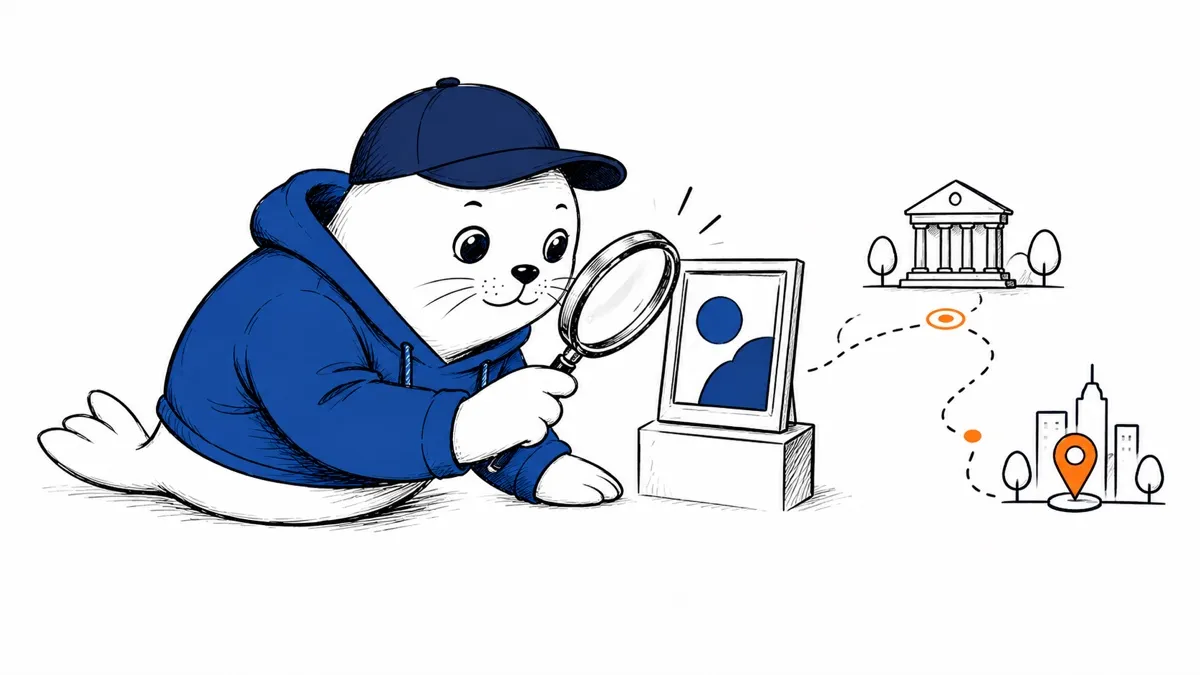
The new search accepts a natural-language question about art or Culture and returns an explanation paired with images and curated stories from Google’s partner archives. That can help when a visitor knows a theme but not the title of a work or the name of an institution. Google gives examples ranging from a painting technique to museums in a city and scientific imagery.
The source material matters here. Google’s network includes more than 3,000 cultural institutions and artists in over 90 countries, according to its announcement. A visual answer can be a useful doorway into those collections, but readers should still open the underlying partner story for attribution, provenance, and historical nuance. A generated summary should not become the final authority on a contested artwork or event.
Chrono Look and Dial-an-Artist
Google describes Chrono Look as a virtual way to try historical attire through sketches and realistic renderings. Dial-an-Artist offers simulated conversations with historical figures about their work. The second feature is a creative interpretation, not contact with a person or a primary historical document. That distinction belongs in any classroom or museum use of the tool.
These features follow earlier Google Arts & Culture experiments such as the Talking Museum and Museum Memory. The trend favors interactive exploration over static digitization. The upside is a lower barrier to curiosity; the risk is that an engaging simulation can feel more authoritative than its evidence supports.
A new homepage and 27 more City Guide destinations
The redesigned homepage collects daily cultural highlights, short stories, and interactive features in a single feed. Google’s City Guide adds 27 new destinations, including landmarks and current cultural events. Google did not list every new destination or promise that all events are available everywhere in the launch post, so check the app for a specific city before planning a visit.
For a teacher, researcher, or curious traveler, the best workflow is to start with a question, follow a visual result into its institution’s record, and then compare context from more than one source. For a product builder, the design lesson is about provenance: conversational discovery becomes more useful when it is tied to inspectable collections rather than a free-floating answer. Our guide to checking Google’s Ask-generated Earth Engine work covers that same verification habit in a very different domain.
How to try the redesign
- Update Google Arts & Culture from the official Android or iOS app store.
- Ask a specific cultural question and inspect the artwork and partner records connected to the answer.
- Try Chrono Look or Dial-an-Artist as an experiment, keeping their generated elements separate from source evidence.
- Check City Guide for your destination and verify event details with the venue before visiting.
The update is not a new general-purpose search engine. It is a more inviting front door to a large cultural archive, with AI used for navigation and experimentation. Its value will depend on whether the app keeps the path from an attractive answer back to the people and institutions that supplied the underlying material.
It is also distinct from Google’s enterprise Agent Search product, where developers configure search add-ons and their costs. Arts & Culture is a consumer-facing experience for exploring partner collections, not a tool for deploying a company’s own search index.
Primary sources
- Google: Arts & Culture app redesign (September 28, 2026).
- Google: The Talking Museum and Museum Memory (September 24, 2026).