“Ask the agent in the channel” sounds simple until the answer depends on a file, a forwarded message, and a decision buried earlier in the thread. GitHub’s latest Copilot update tries to keep that context attached as work moves from Slack or Teams into a repository. The boundary still matters: what can the agent see, and what does it create?
Different context for Slack and Teams
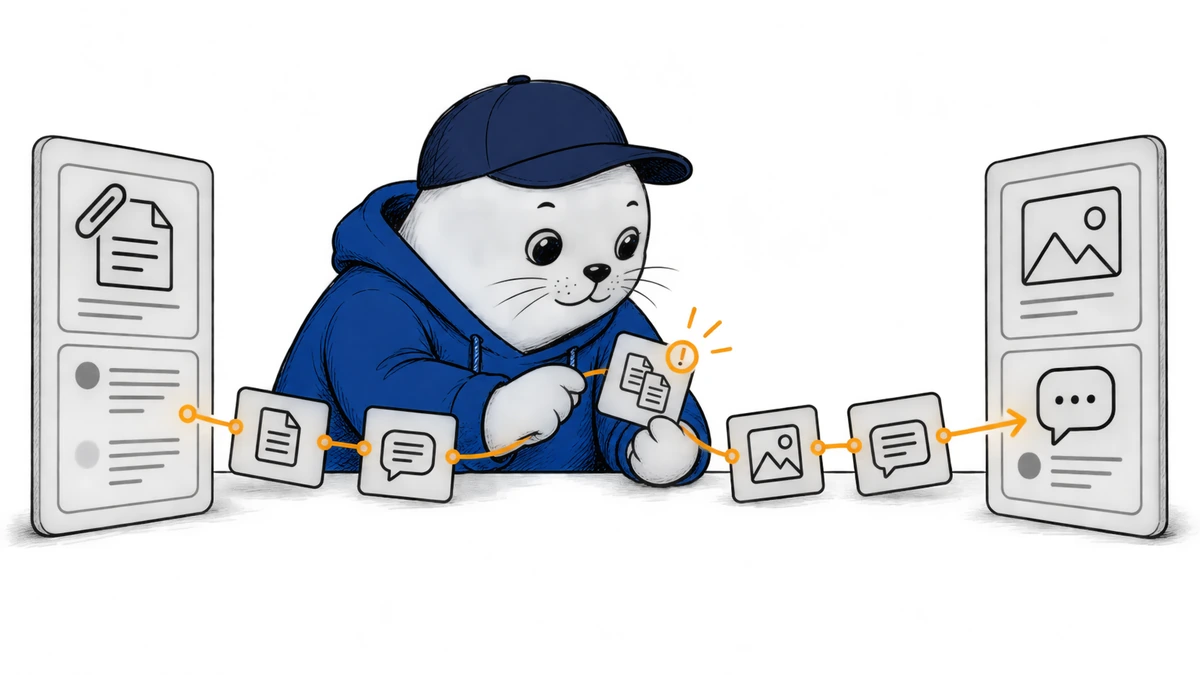
GitHub’s September 25 update expands what Copilot can use in each chat platform. In Slack, supported files, attachments, and message links can provide context. In Microsoft Teams, Copilot can use inline images, forwarded-message context, and channel and thread history. Those are platform-specific capabilities, not a claim that every file type or every message in an organization is automatically available.
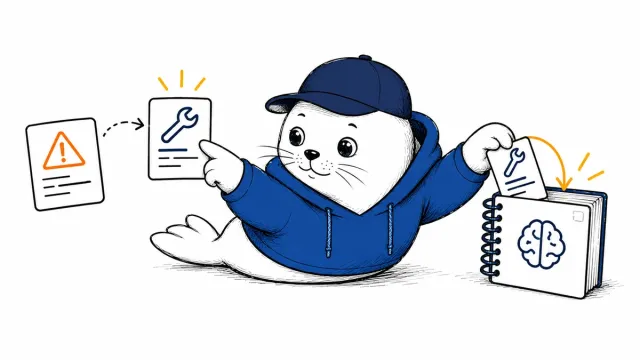
GitHub also says Copilot checks for similar issues before opening a new one, provides links to the GitHub work it creates, and links back to the original conversation. That last link is valuable: a future maintainer can inspect the discussion that led to an issue or task instead of relying on a summary with no source trail.
From channel request to auditable work
Consider a production bug reported in Teams with a screenshot. Copilot can now use the image and the thread’s context, look for a similar issue, and connect the resulting GitHub work back to the conversation. That is a better handoff than manually copying a one-line request. However, someone still needs to verify whether the issue describes the actual bug and whether the right repository and owner were selected.
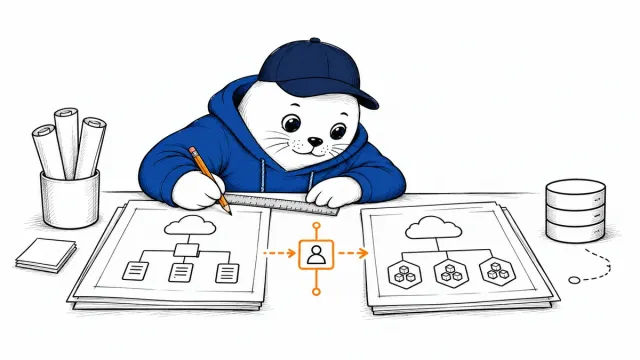
In Slack, admins and users can set default owners and repositories. A model can be selected for the next message, and that choice persists in the conversation. GitHub also reports reliability changes for interrupted tasks, stale replies, reconnection, and repository switching. Those details matter operationally: a channel agent that resumes in the wrong repository can cause more trouble than a slow response.
Availability and the cost boundary
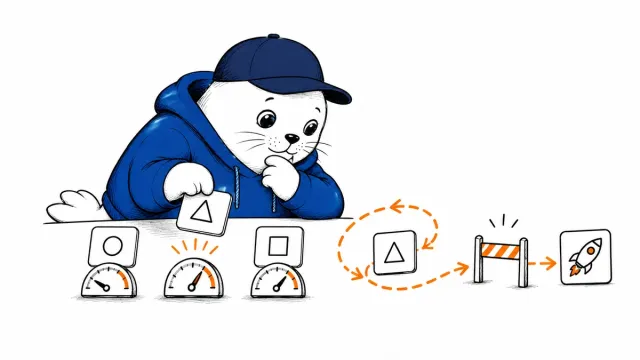
The integration remains a public preview for organizations using Copilot Business and Copilot Enterprise. It counts against existing Copilot entitlements and can be managed under cloud-agent budgets. GitHub says some capabilities are rolling out gradually, so a feature shown in the announcement may not yet appear in every workspace. An administrator must enable the cloud-agent policy; Teams also requires cloud sandboxes. Users then install or update the GitHub app and link their accounts before mentioning @GitHub in chat.
A pilot should use a channel with clear data ownership and a small set of repositories. Check which files and thread history are included, who may invoke the agent, how generated work is attributed, and what happens when a session is interrupted. Track duplicate issues, misrouted tasks, and budget use—not just the number of prompts.
What this does not solve
More context can improve a handoff, but it can also bring irrelevant or sensitive material into the request. Chat permissions, repository permissions, and cloud-agent policy remain separate controls. GitHub’s proof-of-presence protection is another, narrower boundary for certain high-impact actions; don’t confuse it with approving a channel-agent task. Our Copilot tracing guide covers observability after an agent starts working. Together, these changes show a fuller agent workflow, but no single feature makes the entire chain self-auditing.
The real test is whether a developer can move from a GitHub issue back to the original chat evidence, understand the agent’s choices, and quickly correct a bad handoff. If that chain holds in a controlled pilot, the richer context is useful. If it does not, adding more attachments will only make a poorly specified task longer.