
A video can look like your founder, carry an AI label, and still leave the most important question unanswered: did anyone authorize it?
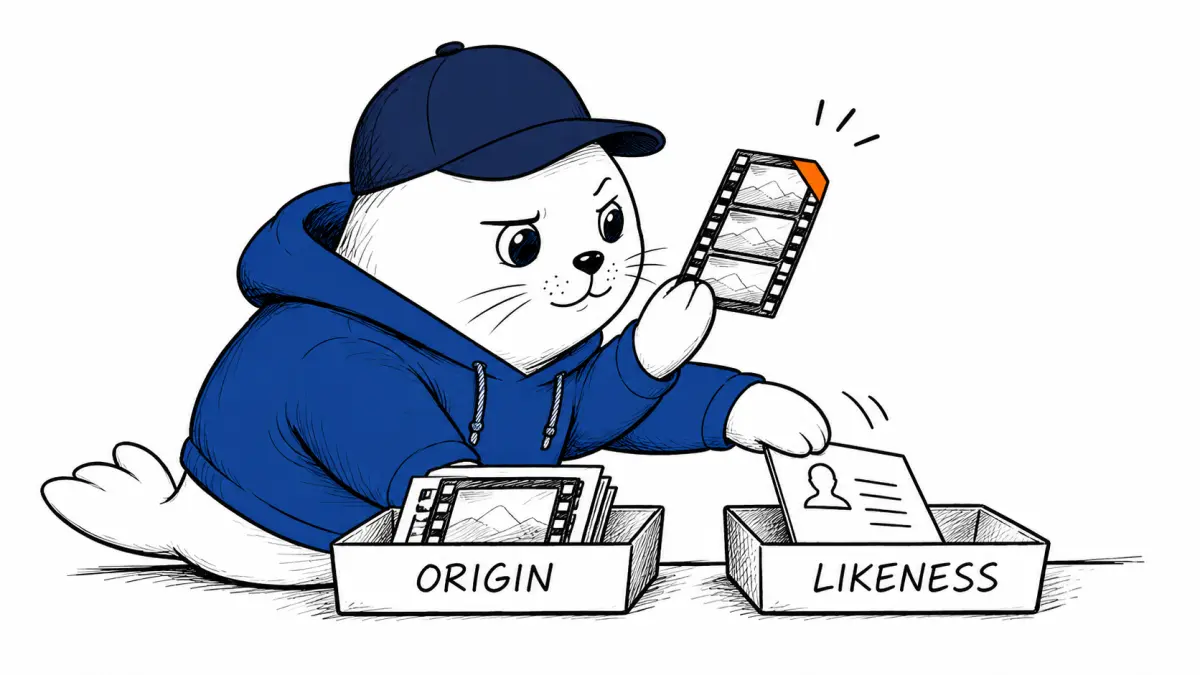
TikTok has introduced a public AI provenance checker and begun a global rollout of opt-in Likeness Detection. Its November 23 Safety and Innovation Forum recap brings renewed attention to the tools. TikTok published the detailed announcement on November 19, 2026. These are separate routes for investigating a file’s origin and finding possible unauthorized depictions of a person. TikTok’s forum recap describes both.
For a creator or a small business, the useful change is a clearer starting point when suspicious media appears. A checker result can contribute evidence about production. A likeness alert can help someone locate a clip that needs review. Neither result, on its own, settles whether an endorsement is genuine.
What the public checker actually checks
TikTok says its checker looks for Content Credentials and its proprietary VeraDura watermark in material made or edited with its AI creation features. The company describes VeraDura as more resistant to removal; MustHave.ai has not independently tested that claim. People can use the checker without a TikTok account, according to the November 19 announcement.
The live checker preview names CapCut, Dreamina, Pippit, and Hypic. It accepts images, video, and audio, with limits of 20 MB per image and 100 MB per video or audio file. That interface describes a particular family of supported creation tools. It should not be presented as a detector for every AI model or editing application.
Consider a hypothetical brand manager who receives a clip of a founder recommending a subscription. The first question is whether the file contains a supported production signal. The second is whether the founder actually approved the recommendation. A positive result can help with the first question. The approval record, original recording, or confirmation from the founder addresses the second.
I would keep those questions in separate columns in an incident log. Combining them encourages a weak shortcut: treating a technical label as a verdict on the whole story.
A missing signal leaves the file unresolved
Content Credentials describe an asset’s recorded history through signed provenance data. The C2PA FAQ explains that metadata can become separated from the media. It also describes watermarking and fingerprinting as ways to help recover associated credentials. A provenance system therefore depends on the records and signals available for a particular asset.
For this checker, an unrecognized file should remain unverified. It could come from an unsupported tool. It could have passed through an editing workflow that changed the relevant signals. It might also be an ordinary recording. Without additional evidence, the result does not choose among those possibilities.
This is an important limit for anyone screening creator submissions. “No supported signal found” is a defensible description of an observation. “A real human definitely recorded this” is a much stronger claim. A small brand should avoid turning an uncertain detection result into a public accusation or an authenticity certificate.
Ask the supplier for the original asset and its production history. Compare the delivered file with the version approved for publication. If an endorsement is involved, ask the person or their authorized representative to confirm the exact wording and placement.
Choose the tool that matches the problem
| Question | Useful route | What still needs a person |
|---|---|---|
| Did supported AI tools contribute to this file? | The public provenance checker | Interpret the result within its detection scope. |
| Could a TikTok clip be using my likeness? | Likeness Detection, where eligible | Review the possible match and its context. |
| Do I want less AI material in my feed? | Manage Topics and feed preferences | Choose a viewing preference. |
| Does a particular depiction need reporting? | The relevant TikTok reporting route | Describe the concern and preserve the evidence. |
A feed preference cannot investigate who made a file. A provenance result cannot establish someone’s consent. Keeping those roles distinct saves time when a complaint reaches a founder who also manages marketing and customer support.
Likeness Detection starts with a possible match
TikTok describes Likeness Detection as an opt-in rollout for eligible creators and public figures. Enrollment involves identity verification through a third-party partner. Participants can inspect potential matches and report them to TikTok for review. The announcement does not establish universal account access or guarantee automatic removal.
An alert is a reason to examine the original post. Check the account, caption, and destination link, as well as the person’s appearance. A synthetic character in a clearly disclosed parody presents different questions from a fabricated founder endorsement linked to a checkout page. A business needs to understand what the clip asks viewers to believe or do.
Before enrolling, read the current verification and privacy notices shown in the product. Confirm the eligible account and the identity partner’s requirements. Do not send identity documents to an account that merely claims to offer enrollment assistance.
Creators who cannot access the rollout can still inspect suspicious posts and use the relevant reporting channel. TikTok links a privacy reporting form from its announcement. Choose the route that fits the actual issue and follow its current instructions.
Build a useful incident record before responding
For a small team, I would use one record per suspicious post. Save its URL, account name, the time it was observed, and a description of the disputed claim. Preserve a copy or screenshot where appropriate. Separate what someone directly observed from what the team suspects.
Record the exact file submitted to the checker and the wording of its response. If several versions circulate, give each a separate entry. A result for a downloaded copy should not silently become a result for every edited version of the same scene.
Add the founder’s response to the claimed endorsement. Did they approve that sentence? Did they approve that account or campaign? Was a real recording edited into a different context? These questions help a reviewer understand the complaint without requiring them to infer the business relationship.
Then assign an owner and a next action. That might mean requesting the original recording, submitting a report, or correcting a misleading public statement. Keep reporting receipts and later decisions with the same record. Avoid distributing the suspicious clip more widely to demonstrate that it exists.
Change the creator brief before the next campaign
A business can make future reviews easier by asking creators to deliver both the approved publication file and a short production note. Specify whether synthetic voices, face edits, or generated scenes are permitted. Name the person who approves changes to an endorsement.
Keep the original approval beside the final asset. If someone later adds a different call to action, the team can identify the change without arguing about whether the whole video looks artificial. A version number and a dated approval are often more useful operationally than a vague promise that a clip is “authentic.”
Campaign setup needs separate attention. MustHave.ai’s Smart+ and Symphony guide covers creative review and spending decisions. A provenance check can support that review, but it does not replace approval of the product claim or campaign destination.
Start with the file and the claim
Use the checker when the question concerns supported AI production signals. Review likeness alerts against the actual post and the person’s authorization. For a disputed endorsement, keep the file evidence and the approval evidence together before deciding what to report.
Which part causes your team more trouble: finding suspicious copies, identifying their production history, or proving what the creator originally approved?

Abdessalam Alaoui
I'm Abdessalam Alaoui, founder of Musthave.AI. I write practical guides to AI models, tools, generative media.