Before delegating a desktop chore, decide which files the assistant needs and what a correct finished result looks like.
Google’s November 19 rollout brings computer use to eligible Gemini app users on Mac. It targets work spread across applications and websites, with an isolated background window and a live view of the activity. For a founder, the immediate question is whether an ordinary repeated task can be handed over with enough control to make review worthwhile.
The launch announcement limits this rollout to US English and personal Google accounts aged 18 or older on Google AI Plus, Pro, or Ultra. The hardware requirement is an Apple Silicon Mac running macOS Sequoia 15 or later. Check those conditions before buying a subscription for this feature.
Check access before planning the workflow
Write down the account, plan, device, and language you expect to use. Confirm the feature appears in that account. A subscription name on a pricing page does not mean a rollout has reached your device. Teams also need to distinguish a personal account from an organization-managed account when deciding where business documents belong.
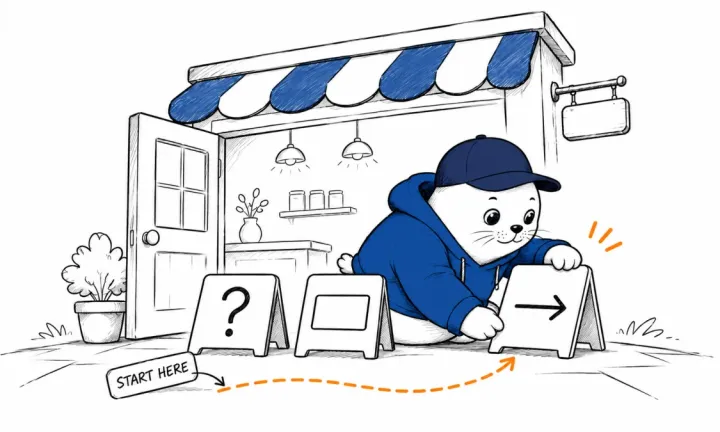
Google describes controls for app access, pausing, and approval of key actions. Those controls deserve a short rehearsal before a large assignment. Choose a harmless document and a reversible change. Watch where the assistant opens it, how it represents the proposed action, and whether you can identify the destination before accepting anything.
The background window lets you continue other work. It also means the owner needs a deliberate review habit. Decide when to look at the live preview and which task outcomes require attention. A quiet background process can still be waiting on a missing file, a changed login screen, or an instruction that needs clarification.
Start with a shipping quote draft
A practical first exercise is preparing a quote from sample product information. Put fictional addresses, package dimensions, and weights into a small folder. Ask Gemini to read those files and prepare a draft quote in a document. Keep purchasing postage outside this exercise. That leaves a concrete output you can inspect for correctness without spending money.
Give the assistant an explicit source order. For example, the current packing sheet controls weight, while the sample order controls the destination. If two documents disagree, ask it to flag the conflict. Choosing the latest-looking number can create an attractive quote with a hidden measurement error.
Include one deliberate ambiguity in the sample. A carton might have its external dimensions in centimeters while a form asks for inches. Ask the assistant to preserve the original measurement beside the converted value. This makes a unit mistake visible and gives a reviewer a quick way to check the calculation.
Write an acceptance rule before pressing start
The acceptance rule should describe the output in terms another person can verify. A shipping draft might need the correct recipient, package count, measurement units, and a link to the source for each value. It should also identify any field the assistant could not resolve.
Keep that rule short enough to use on every run. A long instruction document can make review harder if the person checking the output cannot find the few requirements that matter. Put the required destination and the stopping point near the top. Then give the task its source material and any formatting preference.
| Check | Evidence to retain | Reason to pause |
|---|---|---|
| Input | Source file and original measurement | Conflicting documents |
| Destination | Named draft or workspace | Unexpected account or recipient |
| Result | Completed draft and unresolved fields | Missing required value |
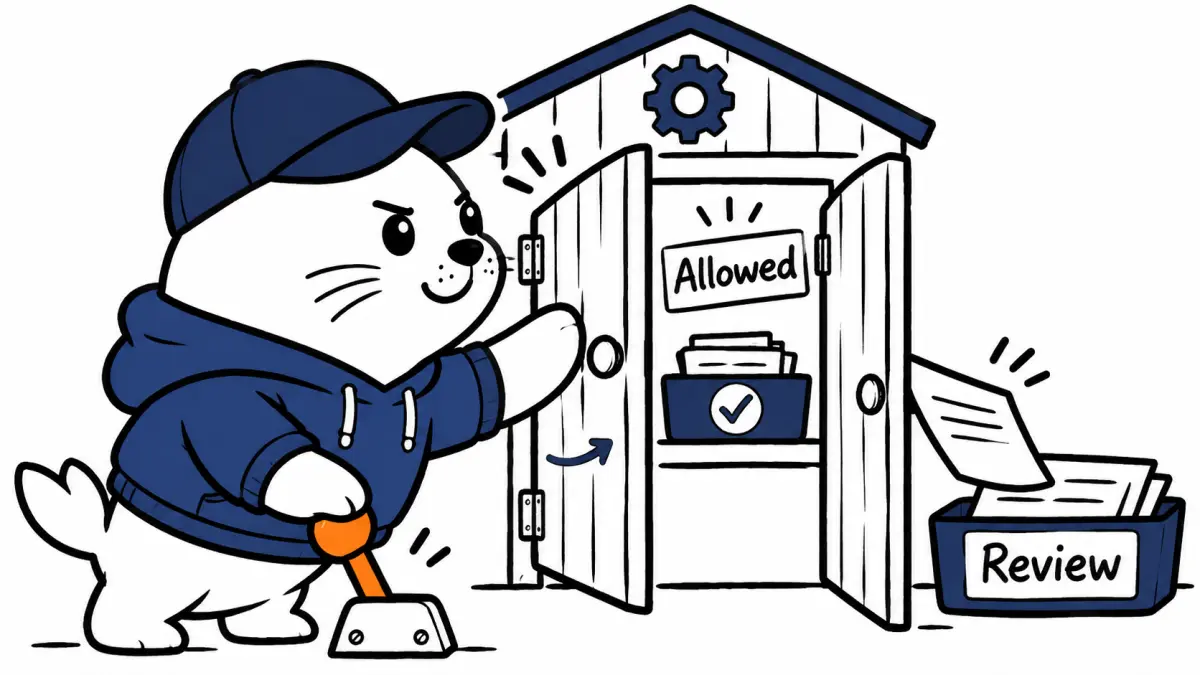
| Approval | Exact action awaiting review | Action exceeds the assignment |
Count the time spent checking the result
Automation makes economic sense when it makes the full job easier to finish. Include time spent preparing files, explaining the task, and checking the result in that calculation. A fast sequence of clicks can still leave the owner with a slow reconciliation job.
Consider a hypothetical task that takes 20 minutes by hand. Preparing the assistant’s inputs takes three minutes and reviewing its output takes five. If the run needs no correction, that saves 12 minutes. If resolving an error takes another 15 minutes, the same attempt takes longer than the manual baseline.
Use several ordinary tasks before estimating a monthly benefit. Record successful runs and awkward ones. Include the cost of reopening a document to check a disputed number later. A workflow used repeatedly needs a dependable review process more than an impressive first demonstration.
Give recovery a clear owner
When an app changes its interface, a previously useful instruction can stop working. Decide who checks stalled jobs and where partial results should be saved. Keep the source documents intact so the task can restart from a known position. If the destination already contains a draft, inspect it before requesting another copy.
A useful recovery note records what is complete, what remains uncertain, and what comes next. This helps someone take over without replaying the entire conversation. It also makes repeated mistakes easier to spot. Several failures in the same field may mean the source format needs improvement.
For a team, nominate a reviewer who understands the business decision behind the task. Someone can confirm that a field was filled while missing that the wrong shipping service was selected. The person approving an external action needs enough context to judge its consequence.
Choose the first task by how easy it is to inspect
Good starting tasks have a stable input, a visible output, and a modest review burden. Preparing a draft from sample data fits that pattern. A task with shifting prices, multiple accounts, and irreversible actions introduces more decisions the owner must supervise.
Keep the first evaluation small, then add complexity where the results justify it. Our business-automation budget gives a broader way to count review and retries. For Gemini on Mac, begin with access, permissions, and the finished draft. Those observations will tell you whether a larger workflow is worth designing.

Abdessalam Alaoui
I'm Abdessalam Alaoui, founder of Musthave.AI. I write practical guides to AI models, tools, generative media.