If a coding agent carries the conversation into a new session, check which tools came with it.
GitHub scheduled the removal of VS Code’s Local harness for February 2027. Local is the runtime for some existing agent sessions in the editor. Microsoft’s Copilot harness can also run on the same machine. A team may be able to keep its checkout where it is and still need to change how its agent calls tools, requests approval, or loads instructions. The VS Code migration guide describes the current transition.
A handoff preserves the conversation
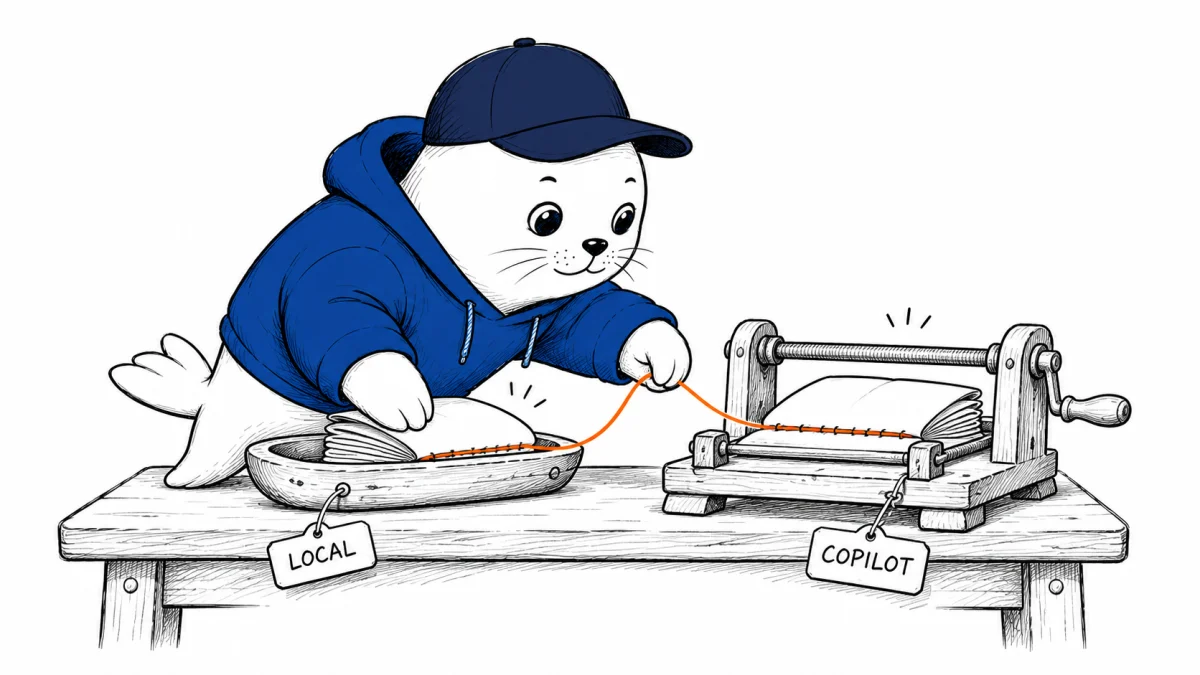
In an existing Local chat, Microsoft documents a handoff through the Session Target menu. Choose Copilot there to carry over the conversation and context. The harness documentation says the effective models, tools, and permissions can differ after the transfer. A remembered tool result and the ability to call that tool again are two separate checks.
For teams that use Model Context Protocol (MCP) servers, check both discovery and execution. A tool might appear in a picker and still fail when called because the session uses different authentication, sandboxing, or organization settings. The security guide also describes approval modes and how they depend on the selected harness. Rehearse under the permission mode you expect developers to use.
Four checks in a disposable checkout
| What to test | A small check | What to record |
|---|---|---|
| Conversation | Put a unique marker in the Local chat, then hand it off. | Whether the resumed chat can repeat the marker and continue the same task. |
| MCP | Call a read-only test tool that returns a known value. | Whether the tool is visible and whether the call succeeds. |
| Hooks and instructions | Use a harmless hook that logs its event and a repository instruction with a distinctive response marker. | Whether each signal appears under the new runtime. |
| Terminal approval | Ask the agent to run a known command in a throwaway checkout with manual approvals. | Whether the approval appears before execution and which policy governs the result. |
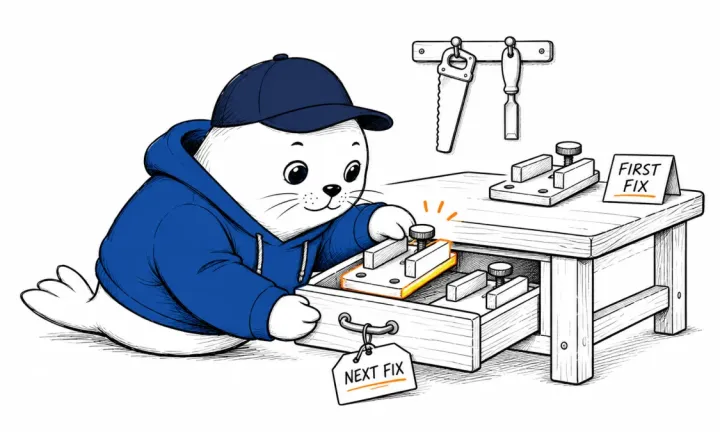
The four checks are a proposed rehearsal. Use the same repository revision and, where available, the same model and permission level. Write down the harness, model, and result for each run. If a hook fails after the move, repeat that check with the same model before changing anything else. That helps isolate tool configuration from a change in the model’s behavior.
Inventory the work that depends on Local
Start with shared workflows such as release previews, test triage, and internal documentation lookup. Note which ones rely on an extension-only tool or a particular hook. A blocked tool deserves its own migration task even when the rest of the chat transfers cleanly. Keep the Local-specific instructions alongside that inventory until their replacements pass the same checks.
Review the separate Copilot model retirement dates if a workflow pins a model. Changing the runtime and changing its model are separate release decisions. Test each independently so a regression has a clear starting point.

Abdessalam Alaoui
I'm Abdessalam Alaoui, founder of Musthave.AI. I write practical guides to AI models, tools, generative media.